On this page
To photograph clothes to sell online, you need less equipment than you might think: a plain background, soft light, a steady camera and a routine you repeat for every product. The routine matters most. Shoppers compare products side by side on a category page, and a mix of backgrounds, angles and crops makes a store look untidy and its products harder to compare.
This guide covers the setup, the three common ways to shoot a garment, the shots a product page needs, and how to prepare the files.
Set up a simple space
Pick one spot and keep it for every shoot. You need three things:
- A plain background. White or light grey seamless paper, or a clean white wall. Plain backgrounds keep the eye on the garment and make cut-outs easy.
- Soft, even light. Daylight from a large window, or two softboxes on either side of the garment. Avoid direct sun, and avoid mixing daylight with warm bulbs, which shifts colors.
- A steady camera. A recent phone is enough. Put it on a tripod at a fixed height and distance, so every product is framed the same way.



Before each shot, steam or iron the garment and go over it with a lint roller. Creases and lint that you hardly notice in person are obvious in a photo.
Choose how to shoot the garment
There are three common ways to photograph clothing for a store. Most brands combine at least two.
Flat lay
The garment lies flat on a surface and is shot from directly above. It is the quickest and cheapest method, and it shows color, print and details clearly. It does not show how the garment fits. See flat lay photography.
Ghost mannequin
The garment is shot on a mannequin, which is removed in editing, so the garment keeps its shape without a body inside it. It shows the cut better than a flat lay, but every image needs editing. See ghost mannequin photography.
On a model
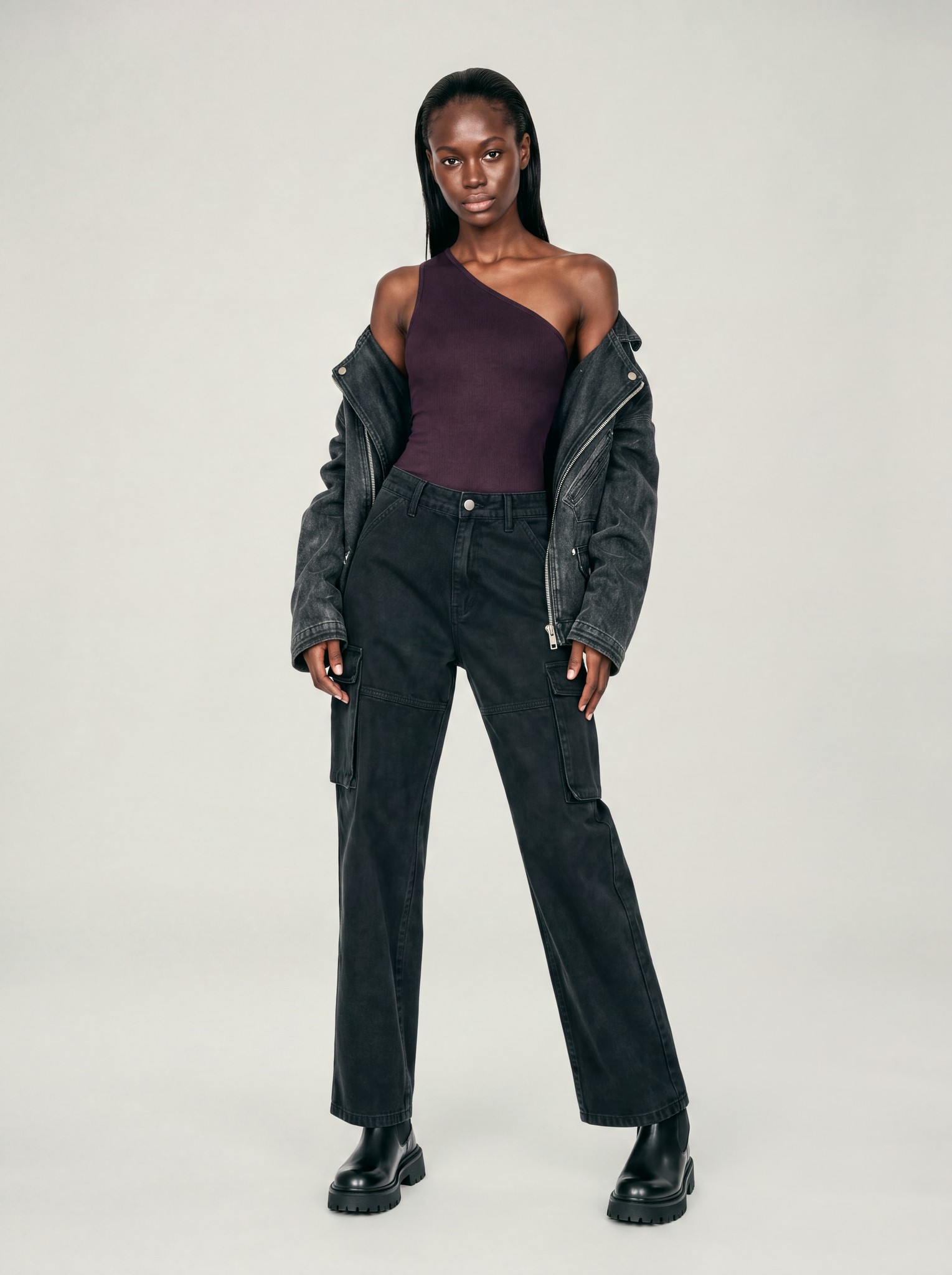
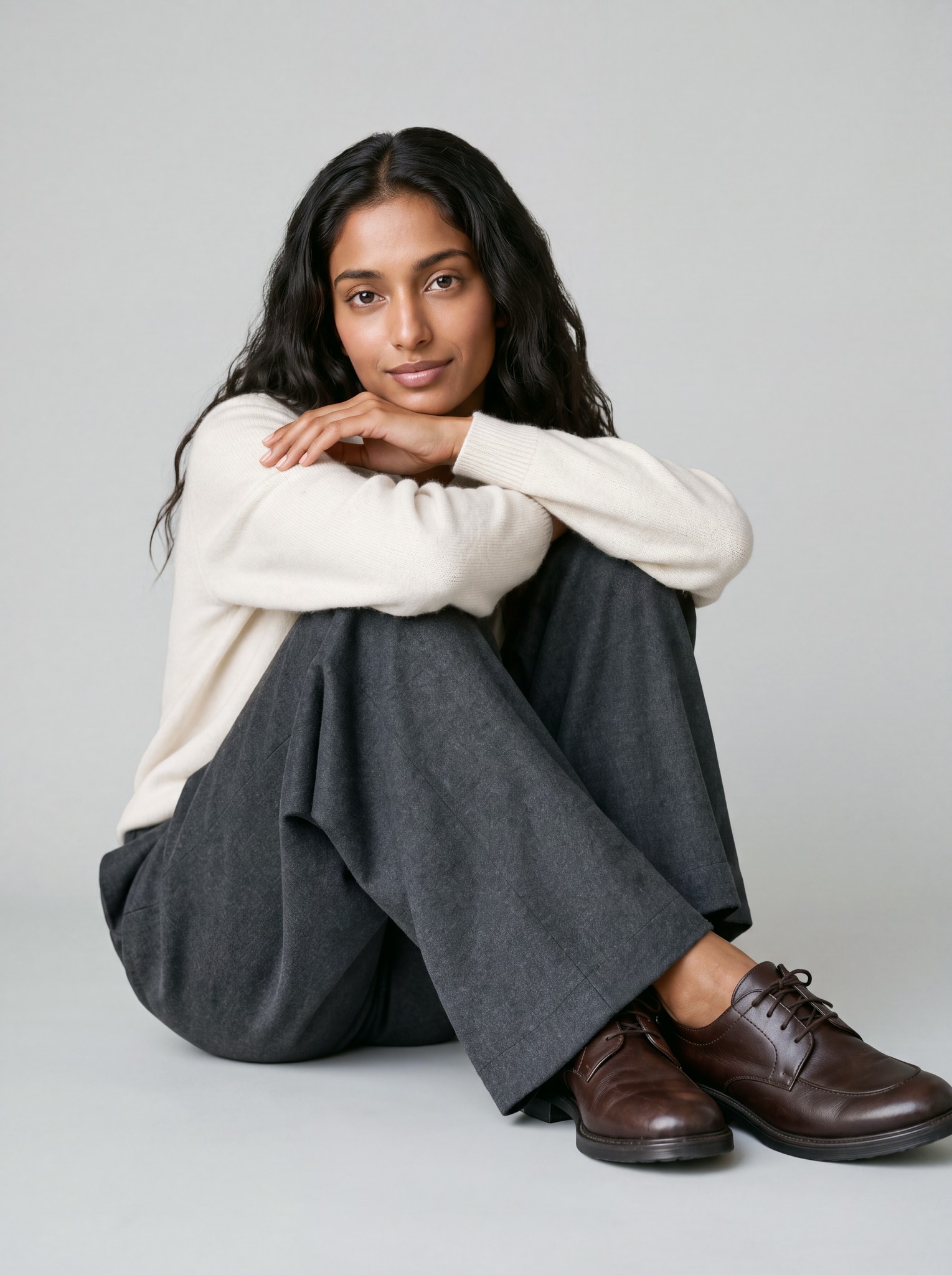
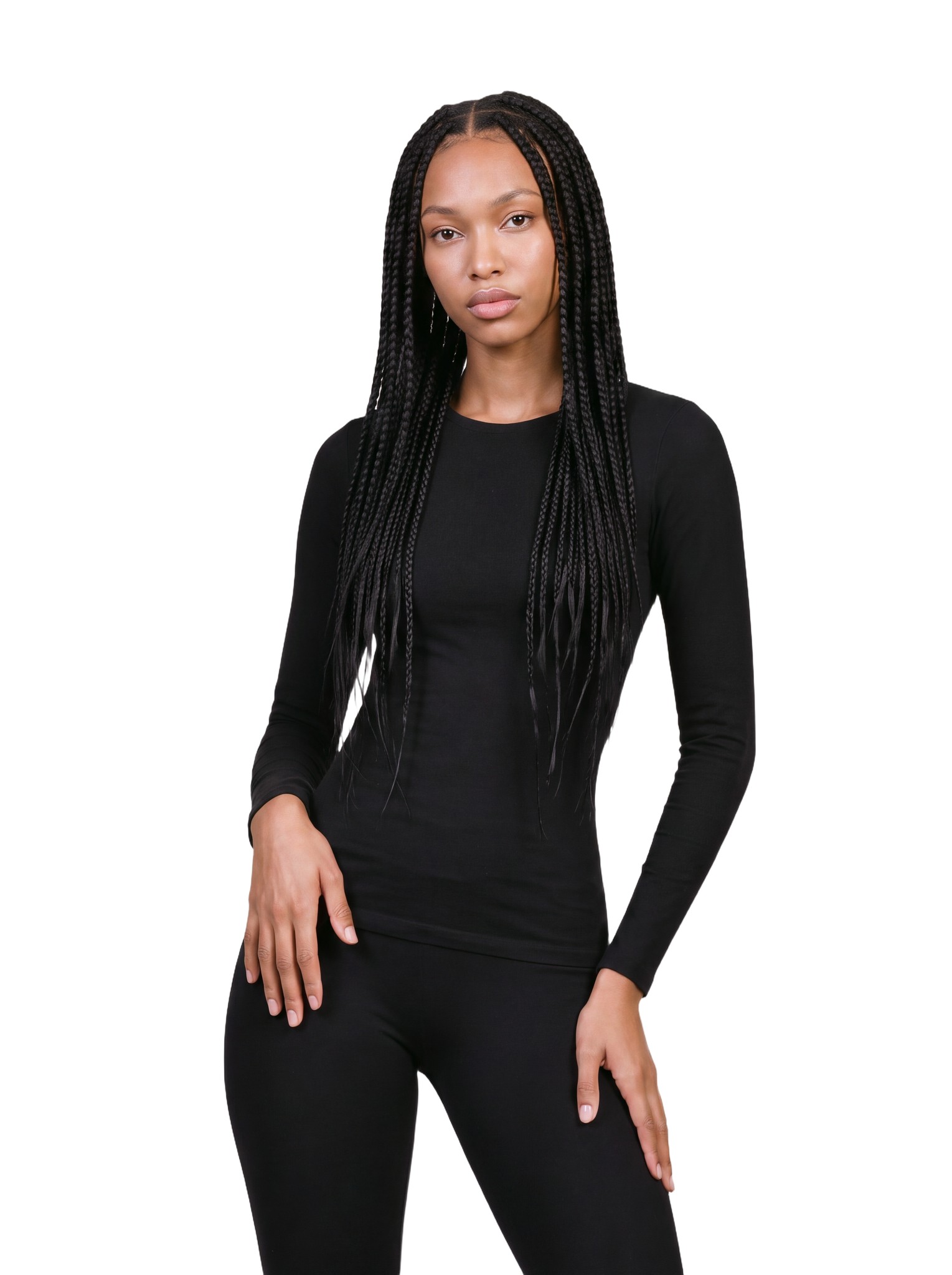
A model wearing the garment shows fit, drape and length, which is what shoppers most want to see. It is also the most expensive method: a model, a stylist, a photographer and a studio, for every collection.
| Method | Shows fit | What you need | Editing |
|---|---|---|---|
| Flat lay | No | A flat surface and an overhead camera | Light |
| Ghost mannequin | The shape, not the fit | A mannequin | Remove the mannequin from every image |
| On a model | Yes | A model, a stylist and a studio | Retouching |
The shots a product page needs
A product detail page needs more than one photo. Plan these for every garment:
- The front of the whole garment.
- The back.
- Close-ups of the details: fabric, buttons, stitching, labels.
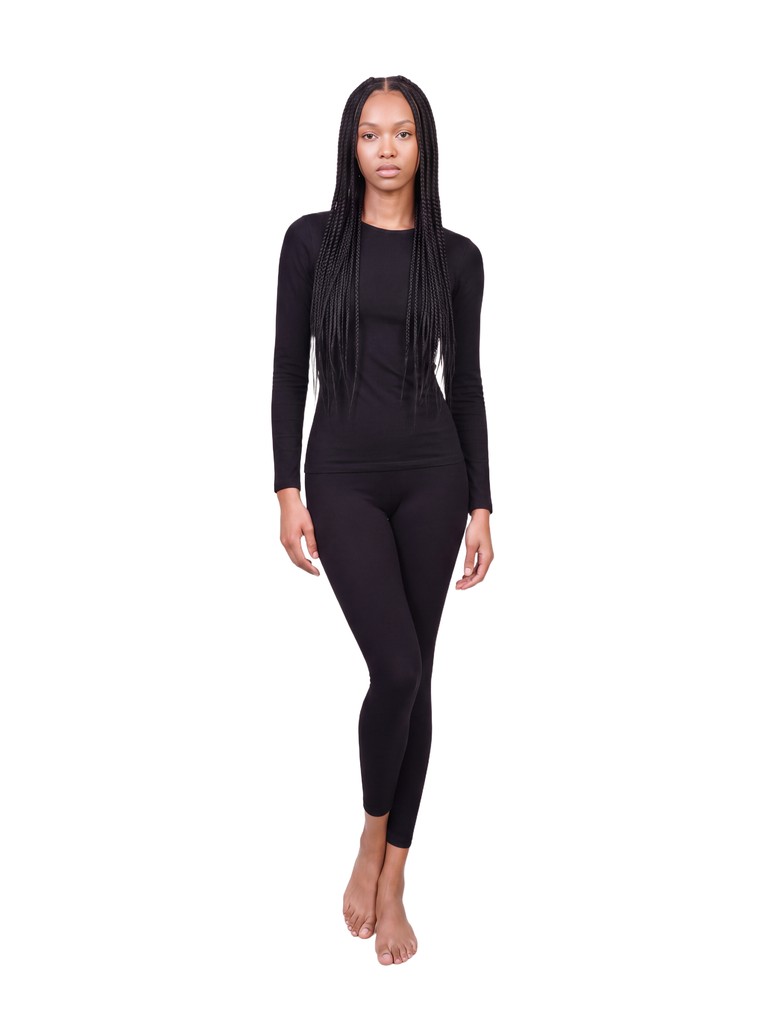
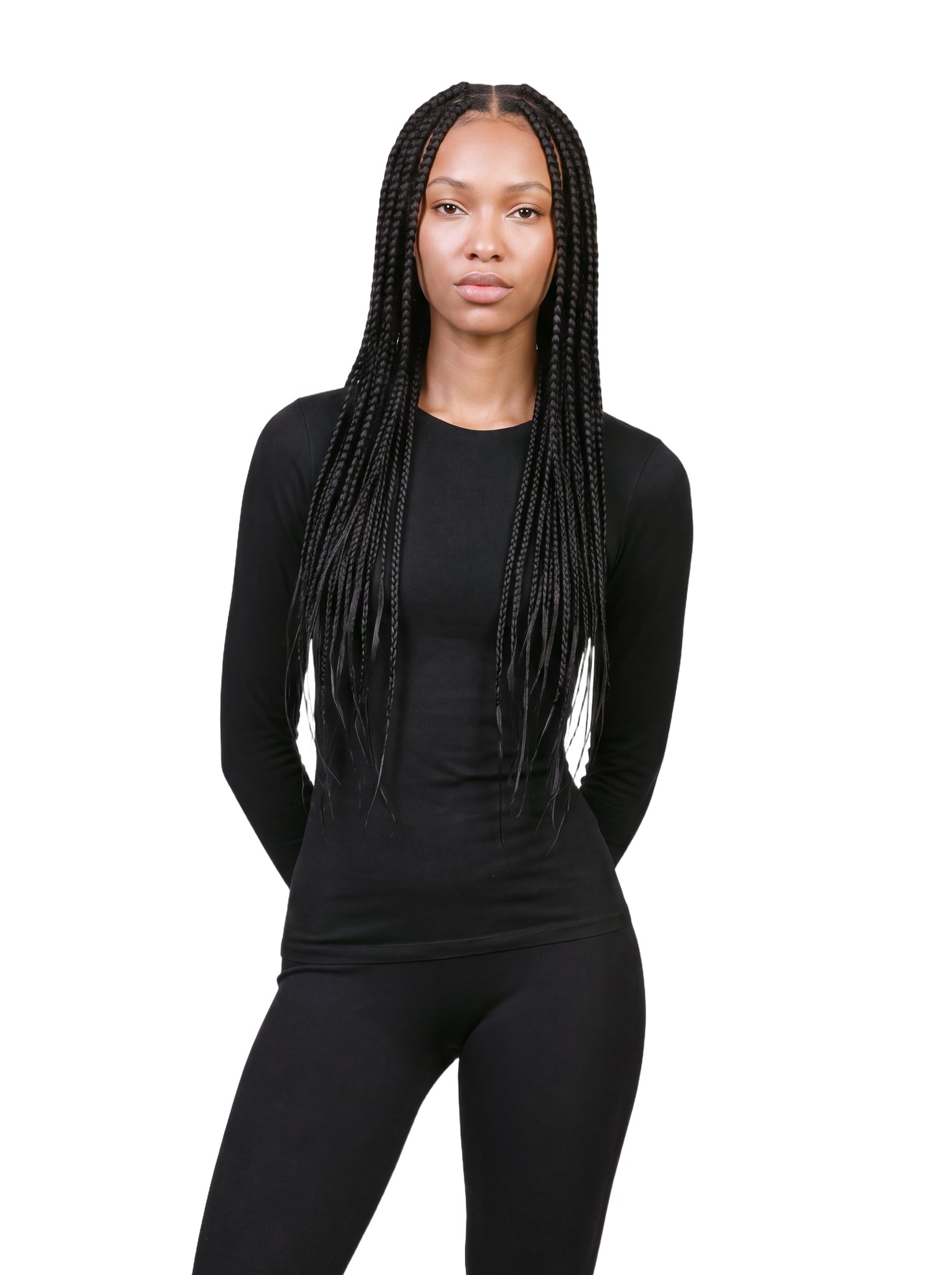
- On-model views: a full-length shot and a closer crop.
Keep every photo consistent
Write your setup down as a shot list: the background, the light, the camera height, the distance and the crop for each view. Then follow it for every product. When a new collection arrives months later, the photos still match the old ones.
A shopper should be able to scroll a whole category and see one shoot, not fifty.
Name each file by product and view, such as linen-shirt-front.jpg, so photos never get mixed up between products.
Prepare the files
- Crop to one aspect ratio across the store, and check what each platform you sell on asks for.
- Correct the white balance so the color on screen matches the real garment. A shopper who receives a different color than the photo showed is likely to send it back.
- Export compressed files in JPEG or WebP, so product pages load quickly.
- Write alt text that says what the photo shows. It helps shoppers who use screen readers and helps search engines understand the image.
A clean product photo on a plain background is also called a packshot.
Add on-model photos without a shoot
Flat lays show the product. On-model photos show how it fits. Booking a model shoot for every collection is slow and expensive, so many brands sell with flat lays alone.
Generama turns the flat lays you already shot into on-model photos. Upload them, pick a model, a pose and a view, and set the hemline and the styling. New accounts get 5 free credits to try it on their own products.
Frequently Asked Questions
Can I photograph clothes with a phone?
Yes. A recent phone takes good product photos when it sits on a tripod and the light is soft and even. Turn on the grid to keep the framing the same from one product to the next.
What background is best for clothing photos?
A plain white or light grey background. It keeps the attention on the garment and is easy to cut out. Some marketplaces have rules for the main image, so check each one you sell on.
Should I use flat lays or on-model photos?
Both. Flat lays show color and details, and they are quick to shoot consistently. On-model photos show fit and length. Generama makes on-model photos from your flat lays.
How do I keep colors accurate?
Shoot in the same light every time, set the white balance with a grey card or a white sheet of paper, and compare the photo with the garment before you publish.