AI Fashion Model Generator: Turn Flat Lays Into On-Model Photos
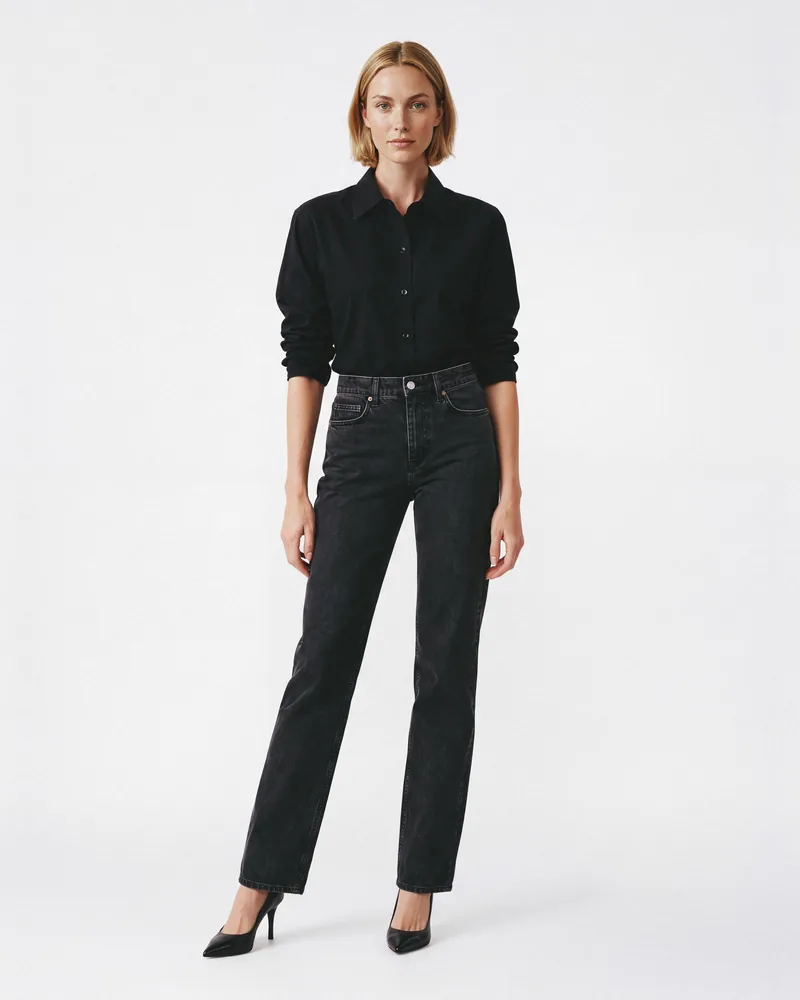
Generama's AI fashion model generator turns your flat lays into on-model photos for your product pages. Pick the model, pose, and view. No photoshoot needed.
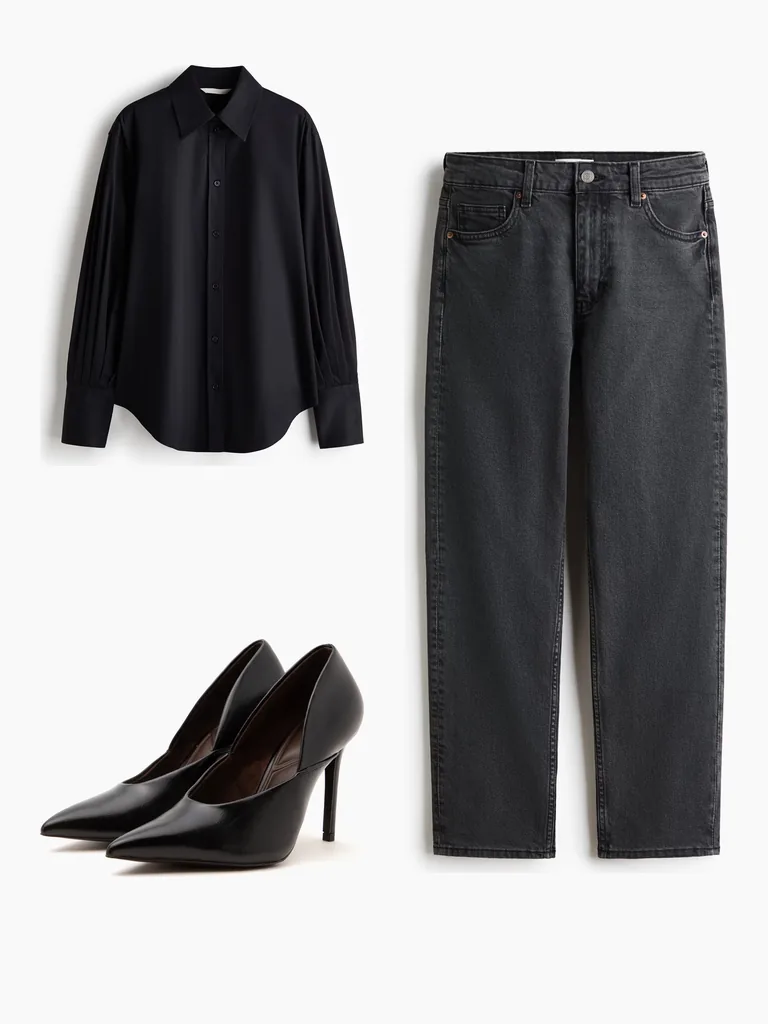
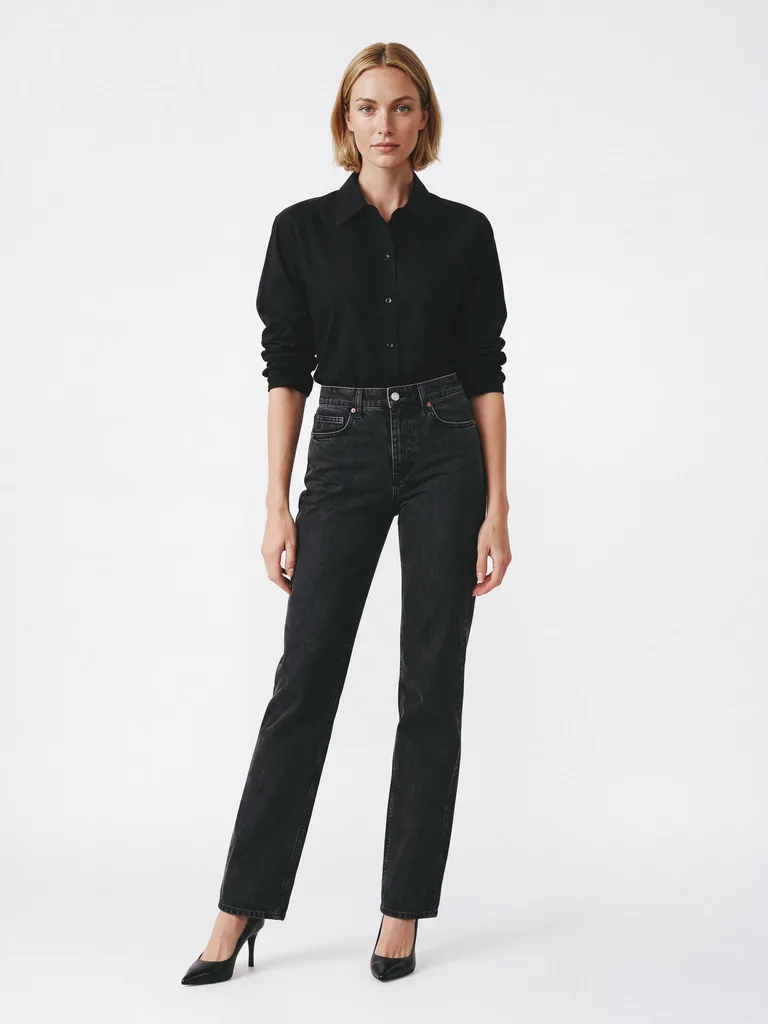
From Flat Lays to On-Model Photo in 4 Steps
Start with the flat lays you already have.
Upload your flat lays
Use a flat lay or packshot of your garment.
Combine flat lays into an outfit
Add tops, bottoms, and shoes to build a complete outfit.
Choose the model, pose, and view
Pick a model that fits your brand, then the pose and view.
Generate and export
Review the result and export it in the format your store or channel needs.
Create Complete Looks
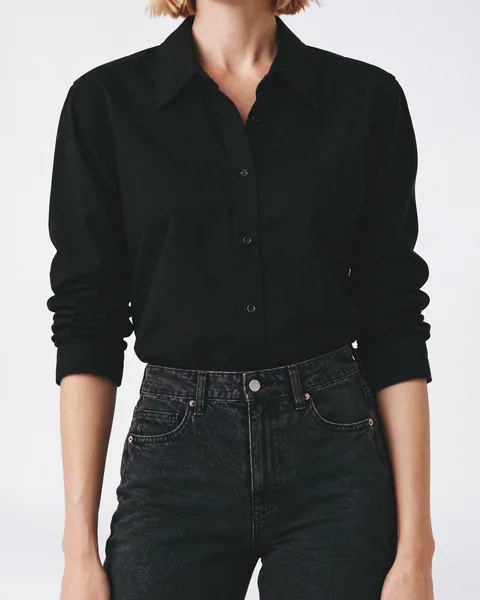
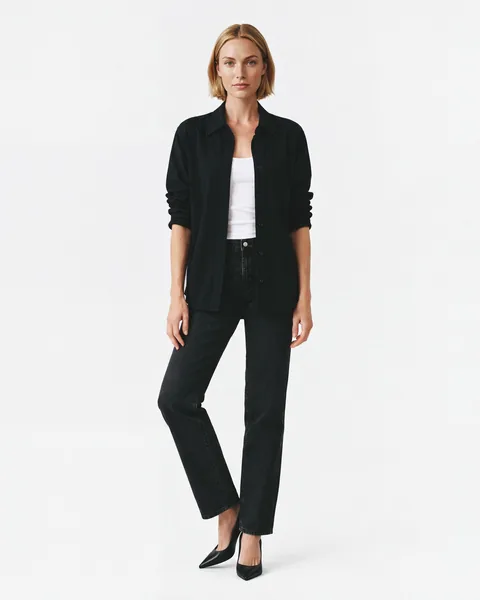
Shoppers want to see a garment from more than one angle before they buy. Turn your flat lays into complete looks and the full set your product page needs.
- Full-length shots and close crops
- Full-body or upper-body poses: front, side profile, walking, and more
- Portrait, tall, story, or square formats for each channel
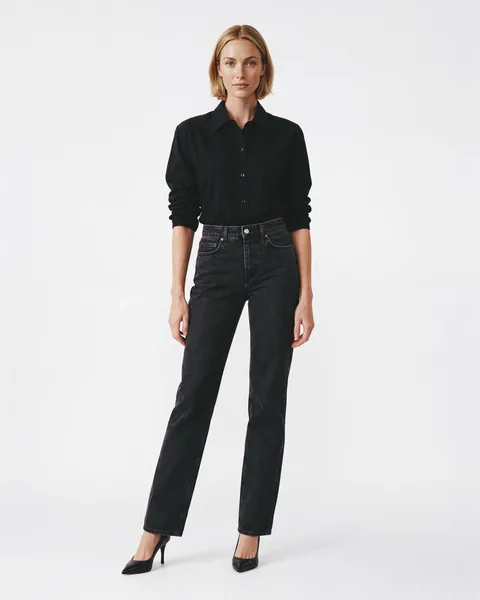
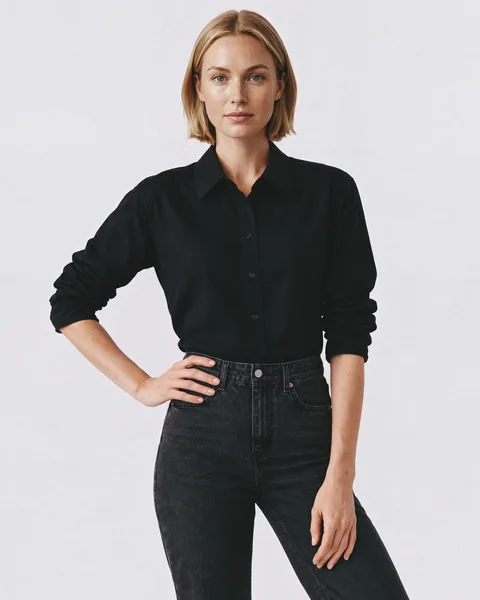
AI Models for Clothing Brands and E-commerce
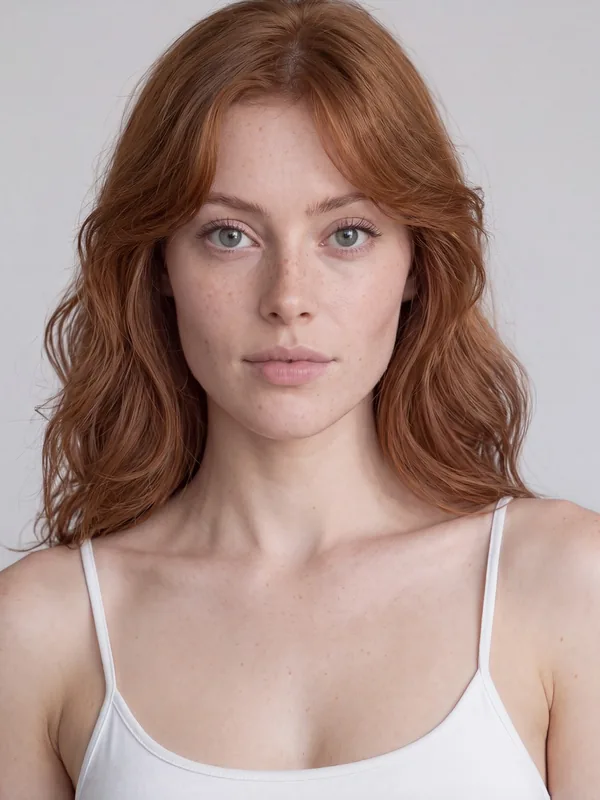
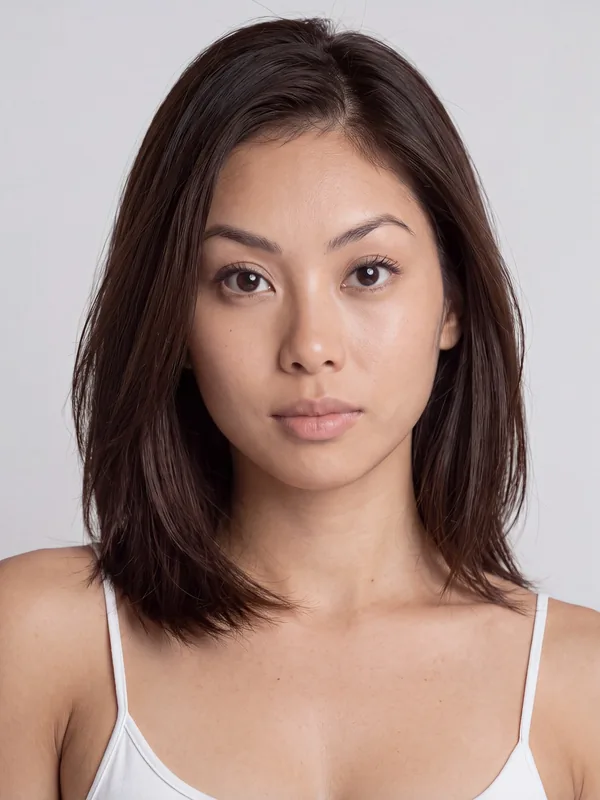
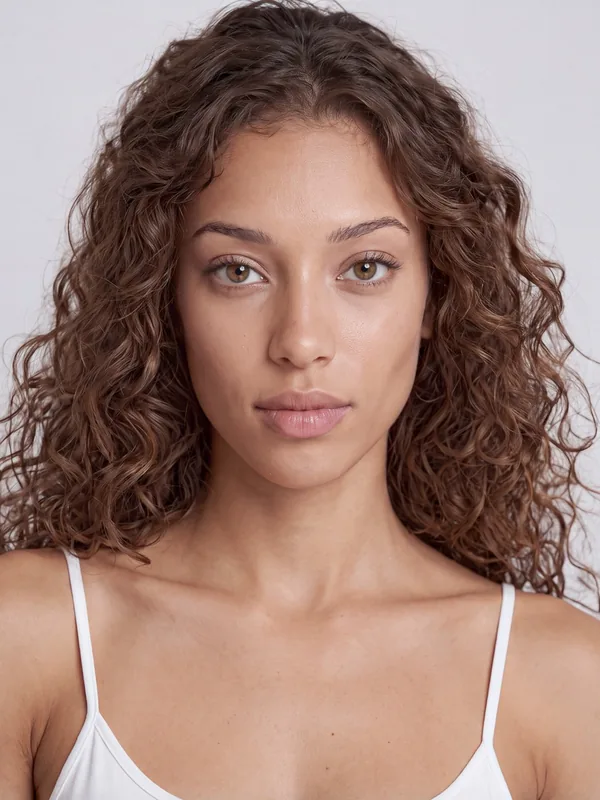
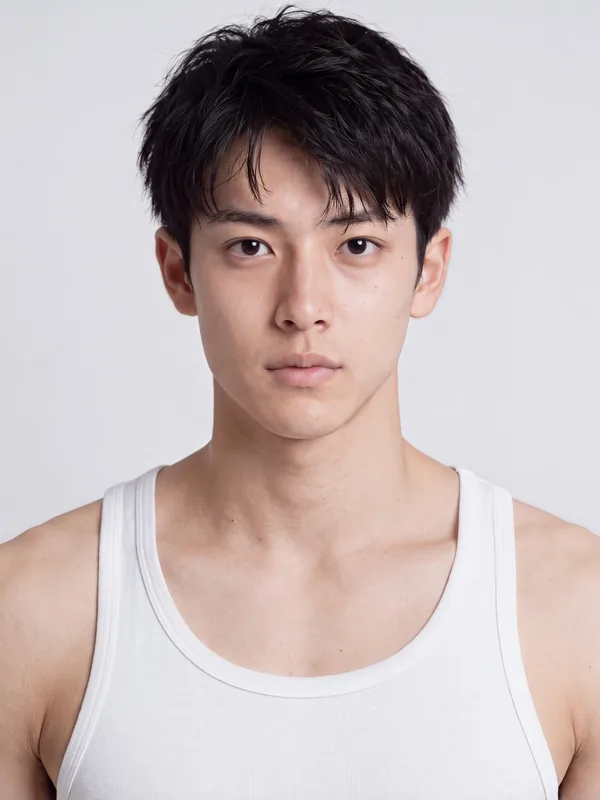
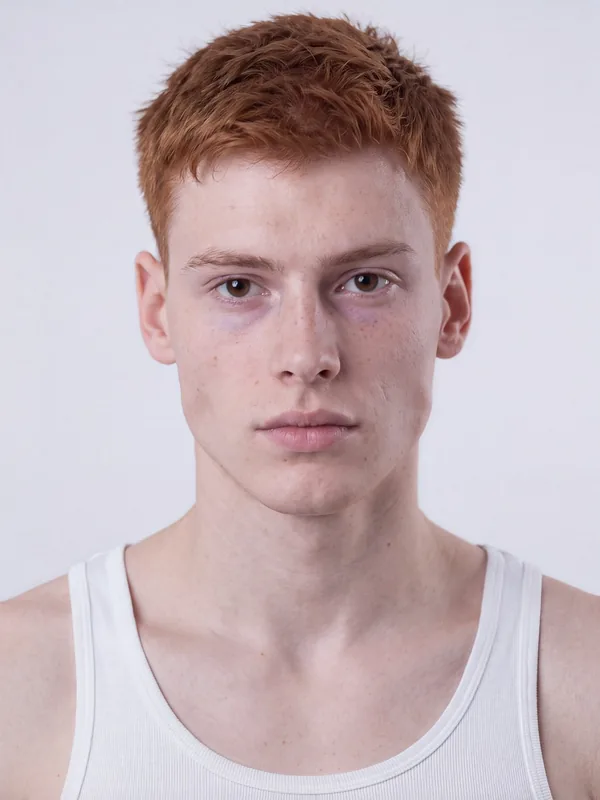
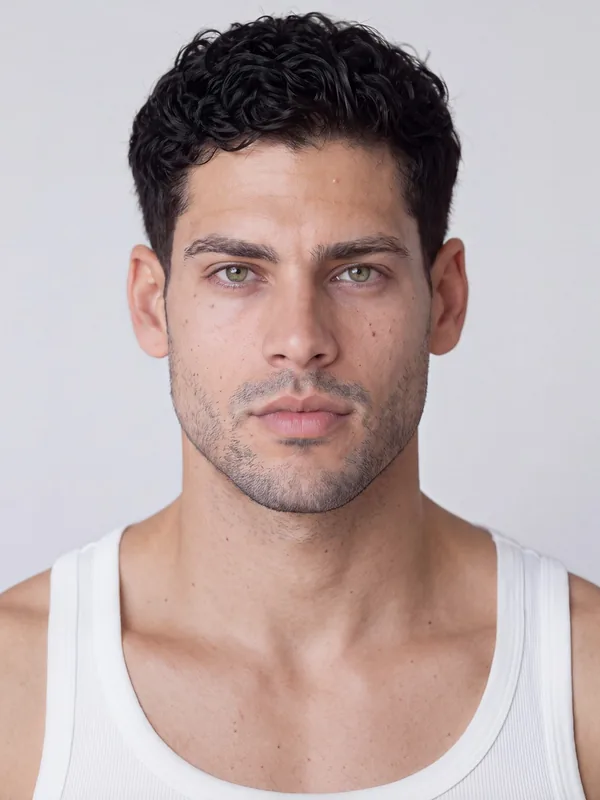
Choose AI fashion models that fit your brand: women and men with different skin tones, hair types, and looks. Use them again for every new collection.
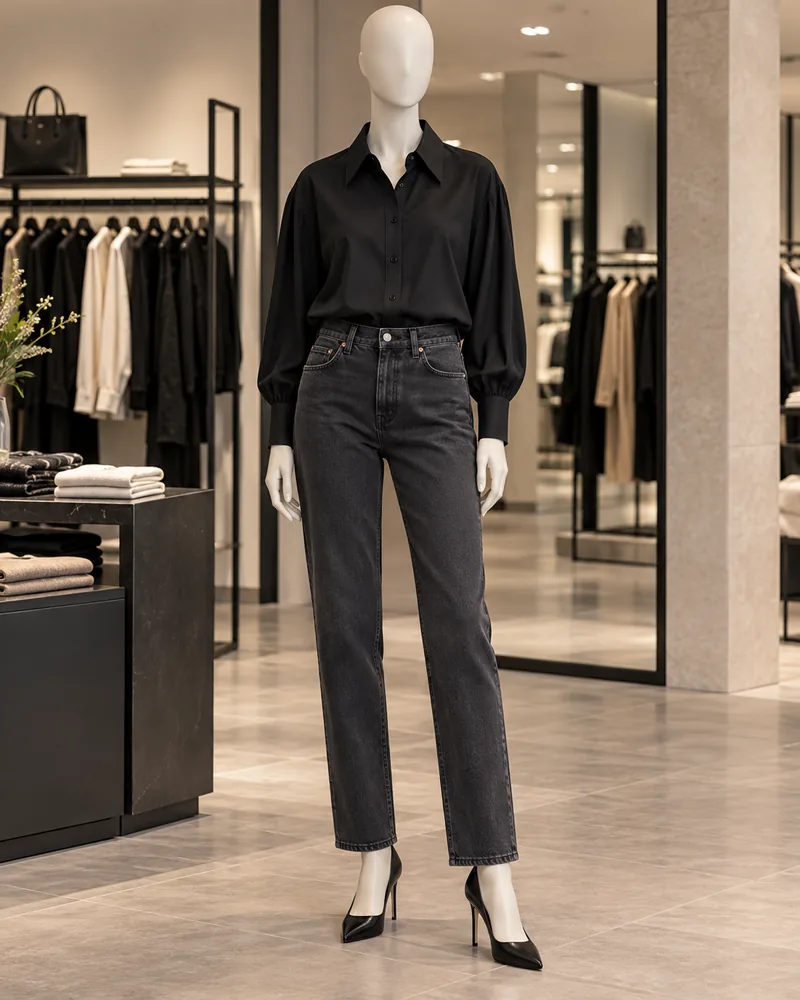
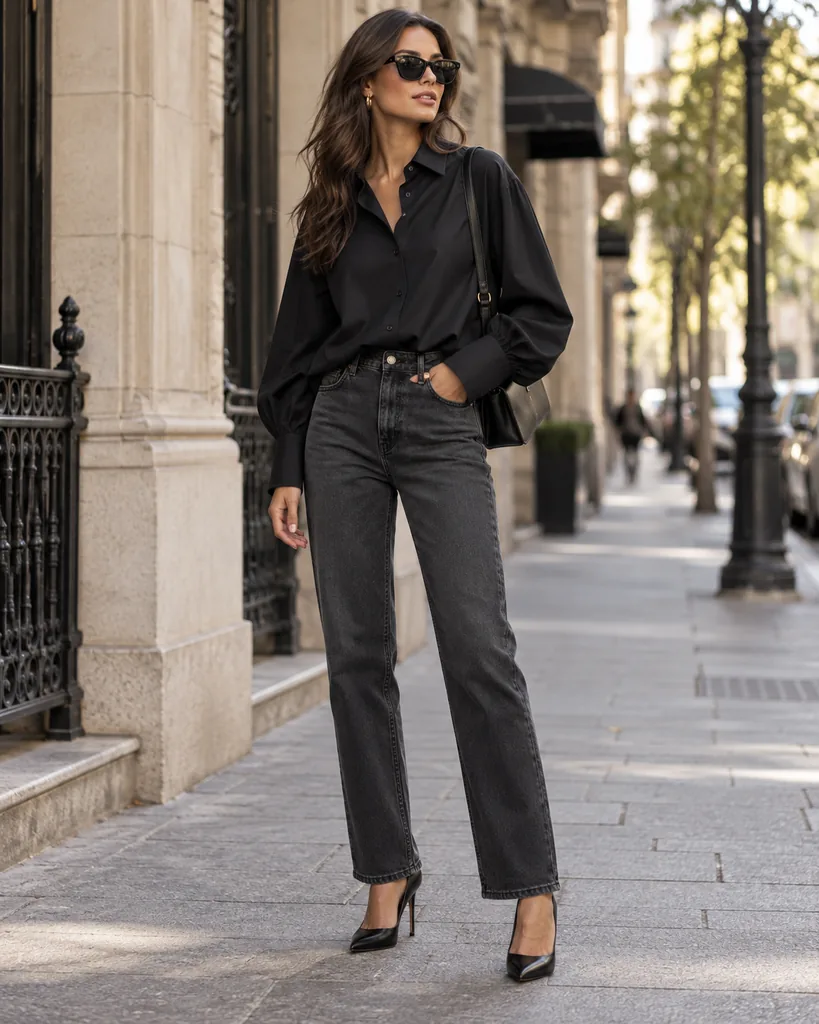
Also Works With Mannequin Shots and Street Looks
No flat lay? Start from the photo you have.
- Mannequin to On-Model: upload a garment on a mannequin and get it on a model.
- Street to On-Model: upload a street-style photo, and Generama recreates the whole outfit on the model you choose, in a clean product shot.
Built for Full Collections
Upload a whole collection at once and get on-model photos for every product. For larger catalogs, our QA team can check every image, and you can connect Generama to your systems through the API.
Turn Your Flat Lays Into On-Model Photos
Try the AI fashion model generator free with 5 credits and see your own products on a model.
More from Generama
- Garment Styling and Length Control: set the hemline and choose how each garment is worn.
- AI Fashion Video: turn your on-model looks into short fashion videos.
Frequently Asked Questions
What is an AI fashion model generator?
An AI fashion model generator creates on-model images of clothing from photos you already have, without a traditional photoshoot. Generama takes your flat lays and puts the garments on an AI fashion model for product pages and campaigns.
How do I turn a flat lay into an on-model photo?
Upload your flat lay or packshot, choose a model, pose, and view, and Generama generates the on-model photo.
What kind of flat lays work best?
A clear photo of the whole garment on a plain background, with the garment fully visible and nothing covering important details.
Will the garment details stay accurate?
Generama preserves the garment's color, fabric, and key details.
What is an AI fashion model?
An AI fashion model, also called an AI clothing model, is an AI-generated person who wears your garments in product and campaign images. With Generama, you choose from built-in women and men models.
Can I use the same model across my catalog?
Yes. Choose a model once and use them again for new products and collections.
Can I create several views of the same product?
Yes. Generate full-length shots, crops, and different angles from one flat lay, in the format each channel needs.
Can I start from photos other than flat lays?
Yes. You can also use photos of garments on a mannequin and street-style photos of a person wearing a full outfit.
Can I try the AI fashion model generator for free?
Yes. You start with 5 free credits, so you can see your own products on a model before choosing a plan.