AI Fashion Video Generator: Animate Your Looks Into Motion
Turn your flat lays into on-model photos, then into short fashion videos for your product pages or social. Choose how the model moves. Made for clothing brands, online stores, and content teams.
From Flat Lays to Fashion Video
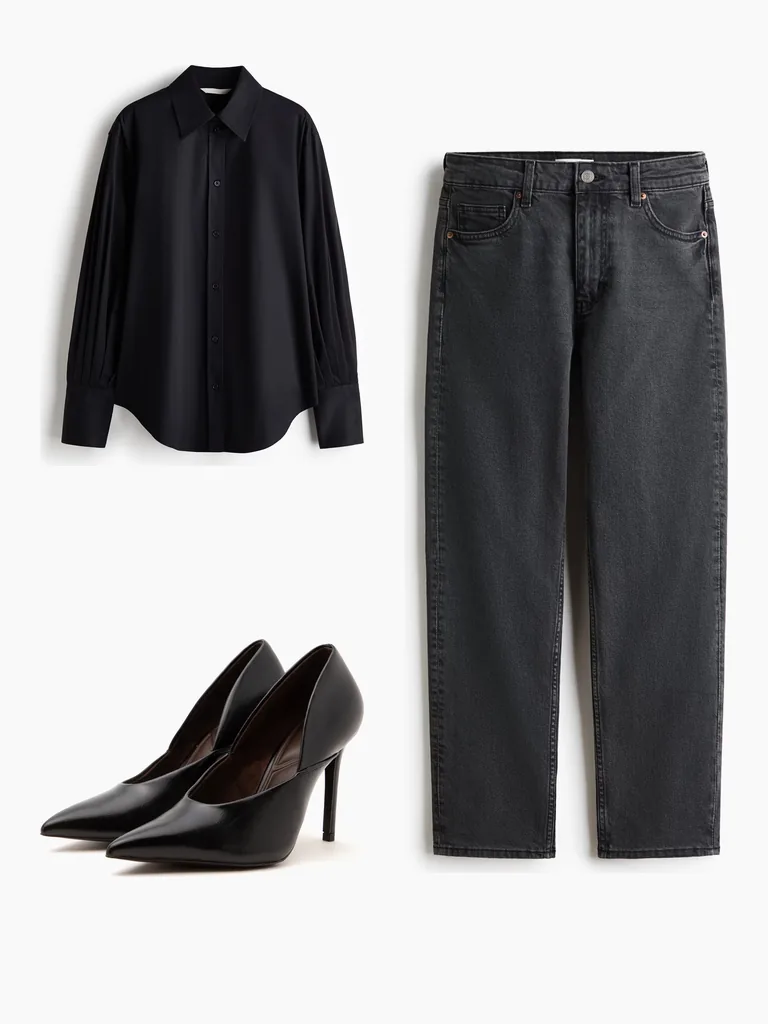
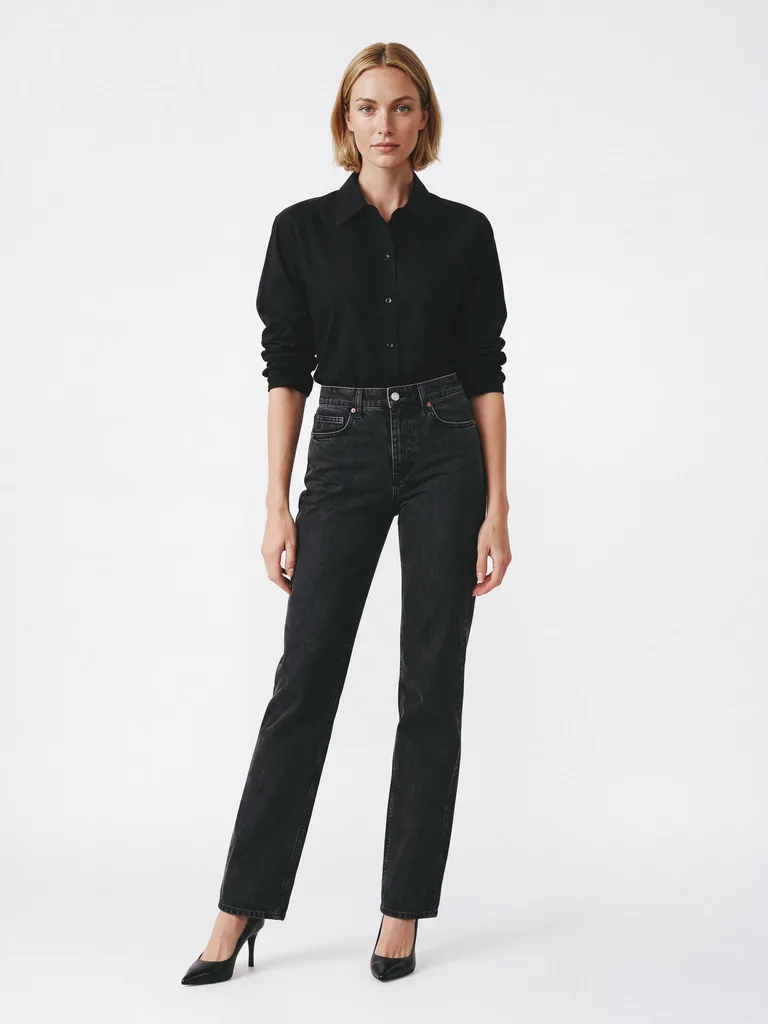
- Upload flat lays, and Generama puts the garments on an AI fashion model.
- Press Animate and choose a motion.
- Get your clip in a few minutes.
Choose the Motion
Pick how the model moves:
- Walk: a few steps toward the camera
- Side: a turn to the side profile
- ¾ view: a turn to the left and right
- 180 degrees: a half turn to show the back
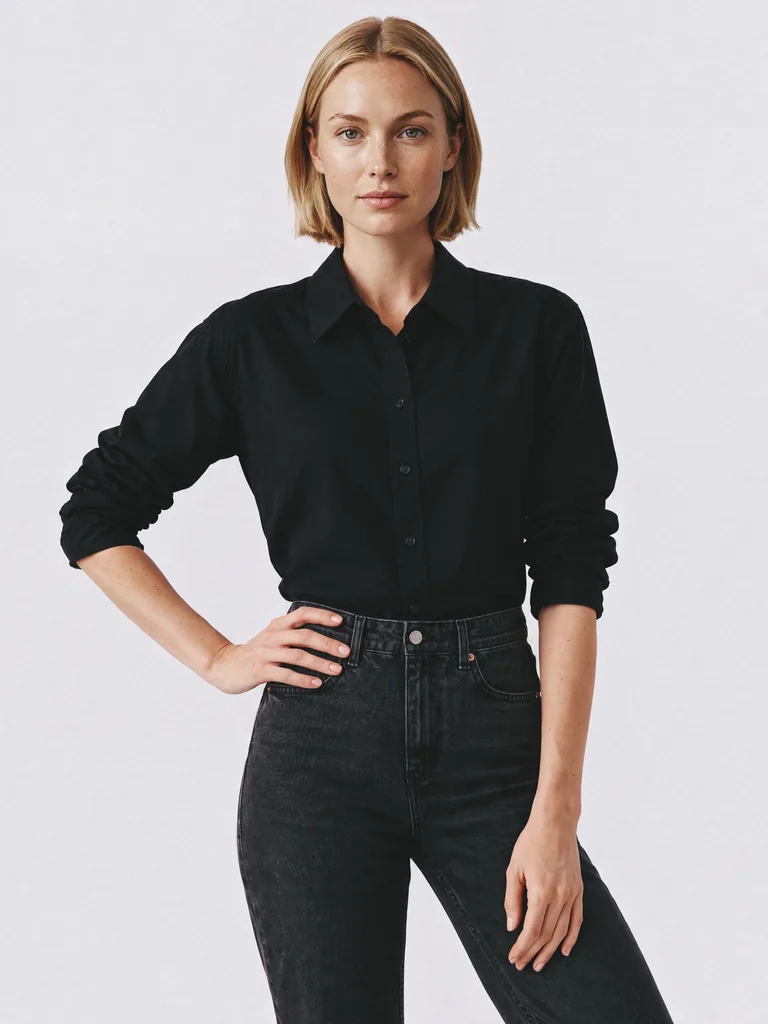
- Interaction: a hand to the pocket and a new pose
Videos That Match Your Product Photos
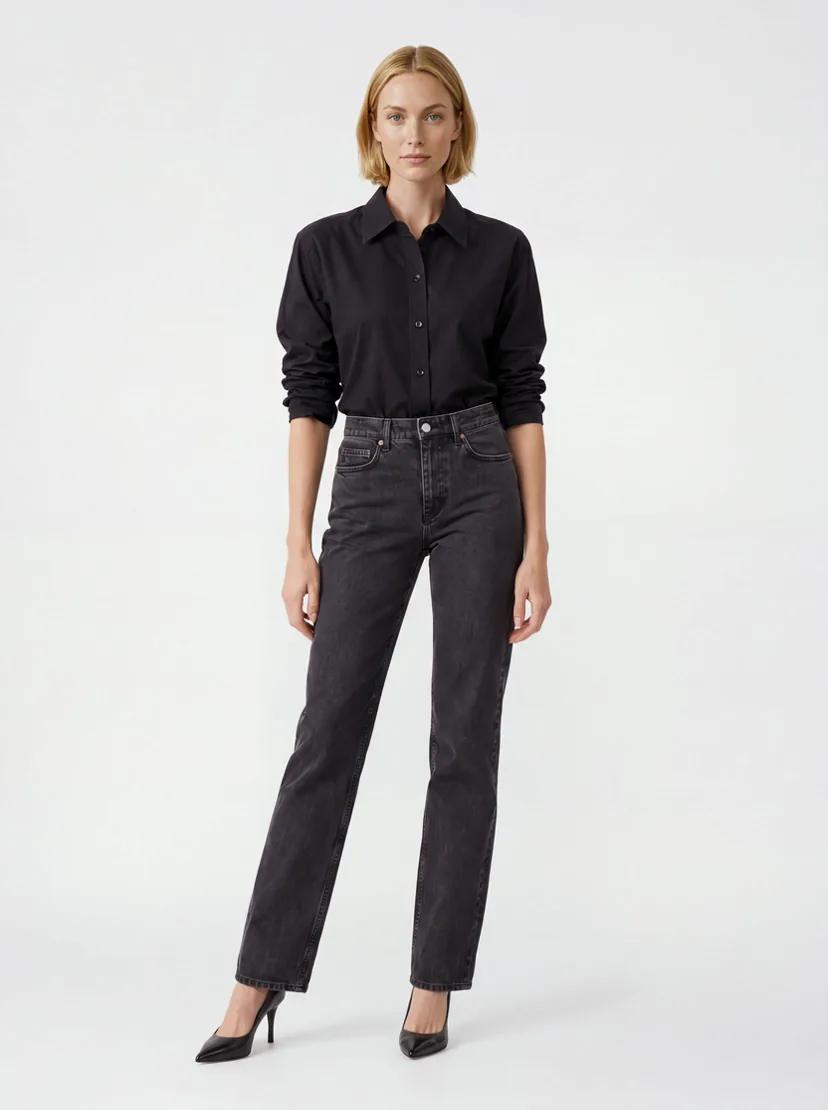
The video starts from the photo you already approved. Same model, garment, styling, and studio. Your product photos and clips look like they belong to the same shoot.
For Product Pages and Social
Add an AI clothing video to your product pages, so shoppers see how the garment moves, or post it on social. Choose 720p or 1080p.
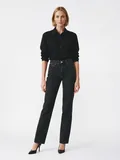
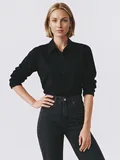
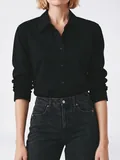
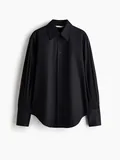
Animate Your First Look
Start with 5 free credits: enough to create a photo and turn it into a video.
Frequently Asked Questions
What is an AI fashion video generator?
An AI fashion video generator turns a product photo into a short video of the garment on a model. Generama animates the on-model photos you create from your flat lays, for product pages and social media.
How does the AI fashion model video generator work?
Generama puts your garment on an AI fashion model and creates the photo. Then you choose a motion, and the model moves in a short video.
Can I turn a flat lay into a video?
Yes. Generama first puts the flat lay on a model, then you animate that photo. The same works for mannequin shots and street looks.
What motions can I choose?
Five motions: Walk (a few steps toward the camera), Side (a turn to the side profile), ¾ view (a turn to the left and right), 180 degrees (a half turn to show the back), and Interaction (a hand to the pocket and a new pose).
How long are the videos?
Each clip is 6 seconds: long enough to show how the garment moves, and short enough for a product page or a social post. A clip is ready in a few minutes.
What video quality do I get?
You can choose 720p or 1080p, depending on your plan. 720p works well for social feeds. 1080p gives a sharper result on product pages and larger screens.
Can I use the videos on social media?
Yes. You can use them on your product pages and in your social media posts.
Can I try the AI fashion video generator for free?
Yes. You start with 5 free credits, enough to create a photo and animate it in 720p.