On this page
An AI photo can look great at first glance. Then you zoom in.
The print has shifted. A button is missing. The hem sits higher than on the real dress. And on the next product page, the model has a slightly different face.
Shoppers notice these things. Clothing is the product category US online shoppers send back most often: a quarter of them returned clothes they bought online in the past year (Statista). When the photo and the parcel don't match, that's one more reason to hit "return".
We built Generama to close that gap: AI fashion photos that show the real product, on a model who looks like a real person, look after look.
What Is Generama?
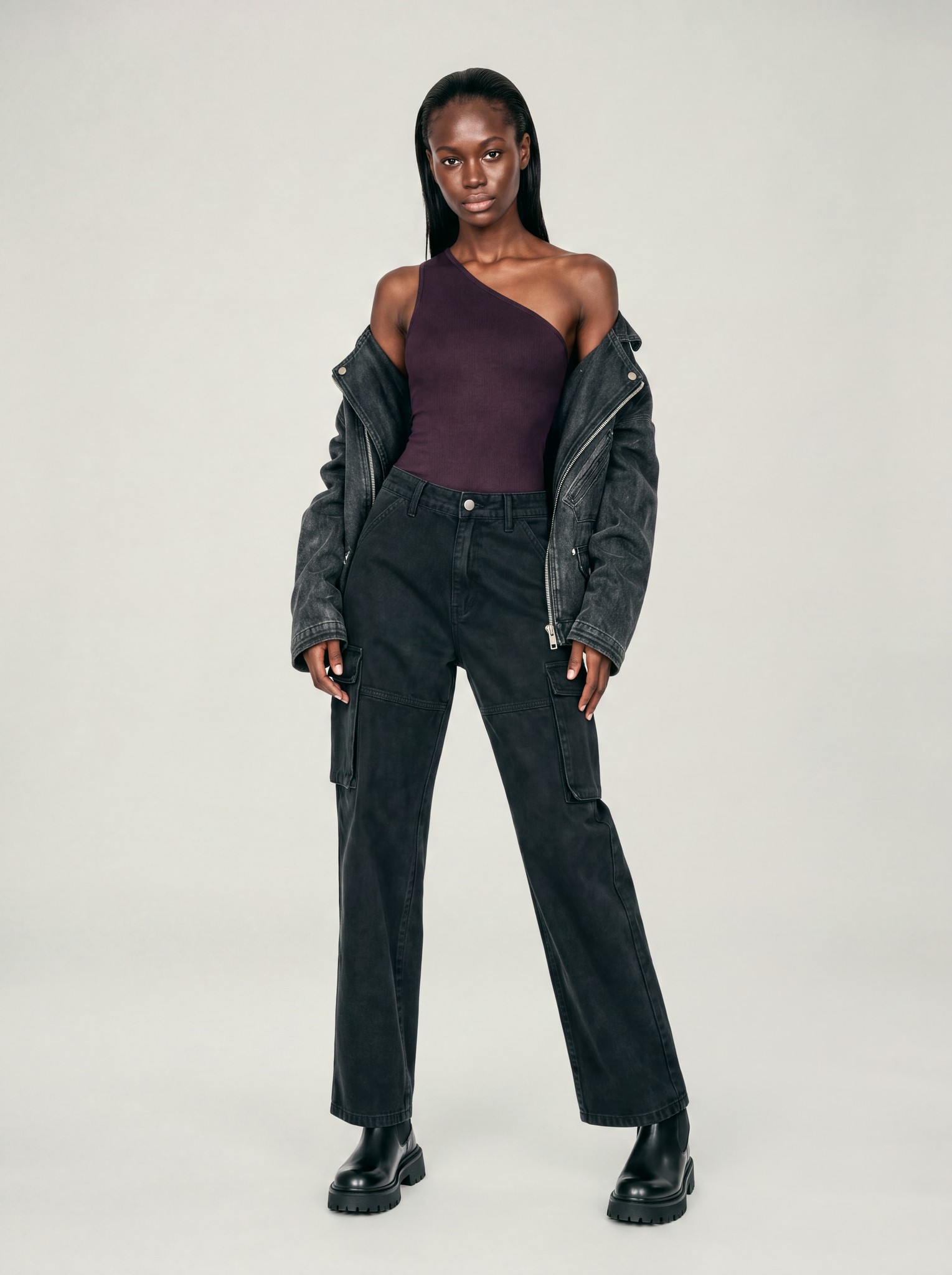
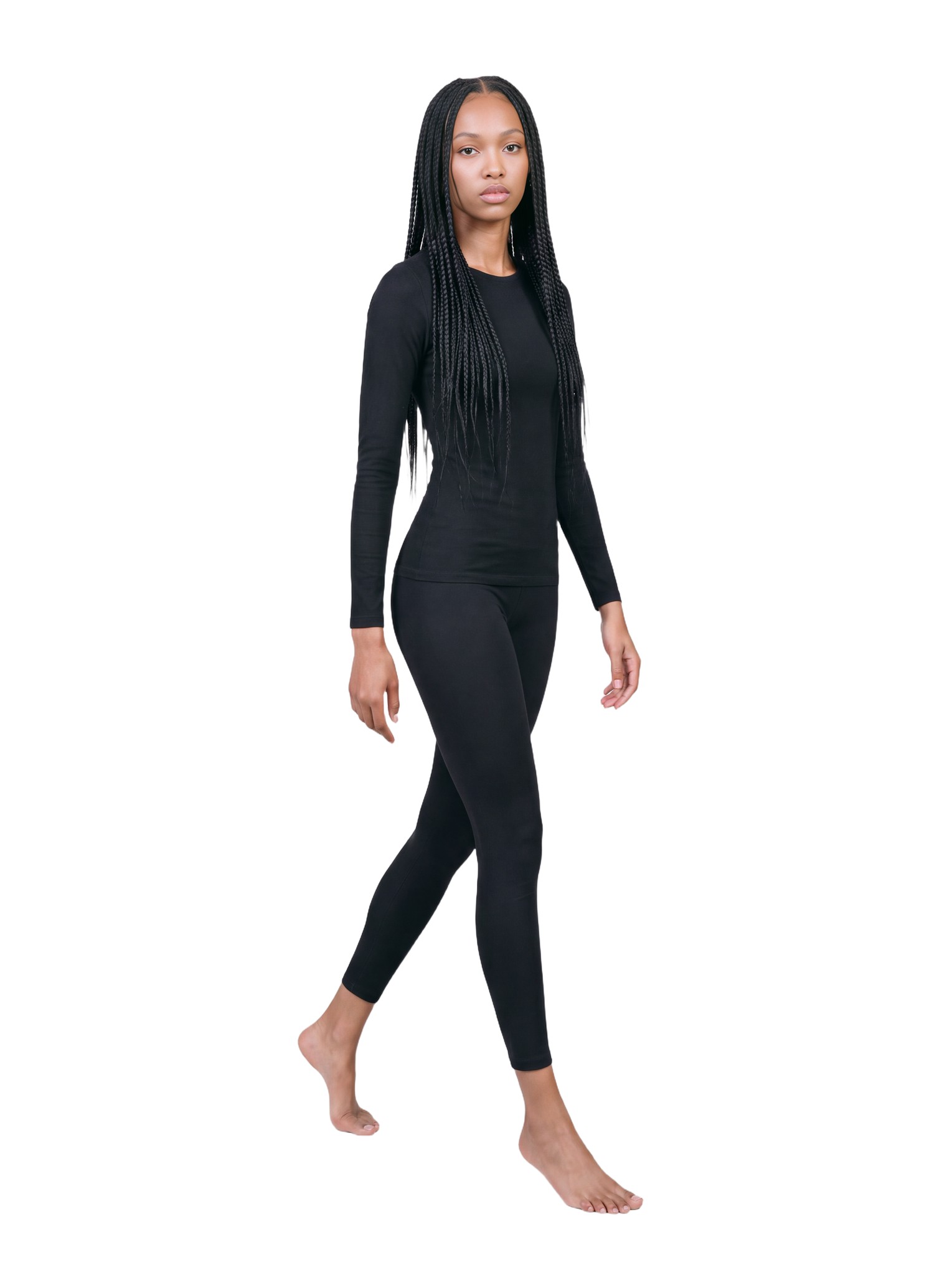
Generama is an AI fashion photography platform for e-commerce. It turns the product photos you already have, like flat lays, packshots, mannequin shots and street shots, into on-model images and short videos for your product pages, marketplace listings, ads and social.
Fashion is the only thing we do. No cars, no food. Just clothes on people, done carefully.
Who Generama Is For
- Fashion brands that want one consistent look across the whole catalog, from the first drop to the next season.
- Boutiques that need new arrivals online on a model, using the photos they already take.
- Marketplace sellers on Shopify, Amazon and Etsy who want listings that show how a garment looks when it's worn.
- Marketing teams that need fresh images and short clips for ads and social, with the same model across all of them.
How It Works
- Upload your product photo. A flat lay, a packshot, a ghost mannequin or mannequin shot, or a street shot.
- Choose the model, pose and scene. Pick one of Generama's models, like Elena, or create a custom model from two photos. Then decide how the garment is worn: tucked in or out, sleeves rolled up, the front open or closed, and where the hem should end.
- Get your on-model photo. In 2K or 4K. If you like it, animate it into a 6-second video.
That's the core of the AI fashion model generator: your real product, on a model, without starting from a blank prompt.
What Makes Generama Different
Picture a drop of 300 SKUs, each needing several views. With a general AI tool, every image is a new attempt, and someone has to check and regenerate them one by one. That's the problem we built Generama around, and here's how we approach it.
Faces That Look Like Real People
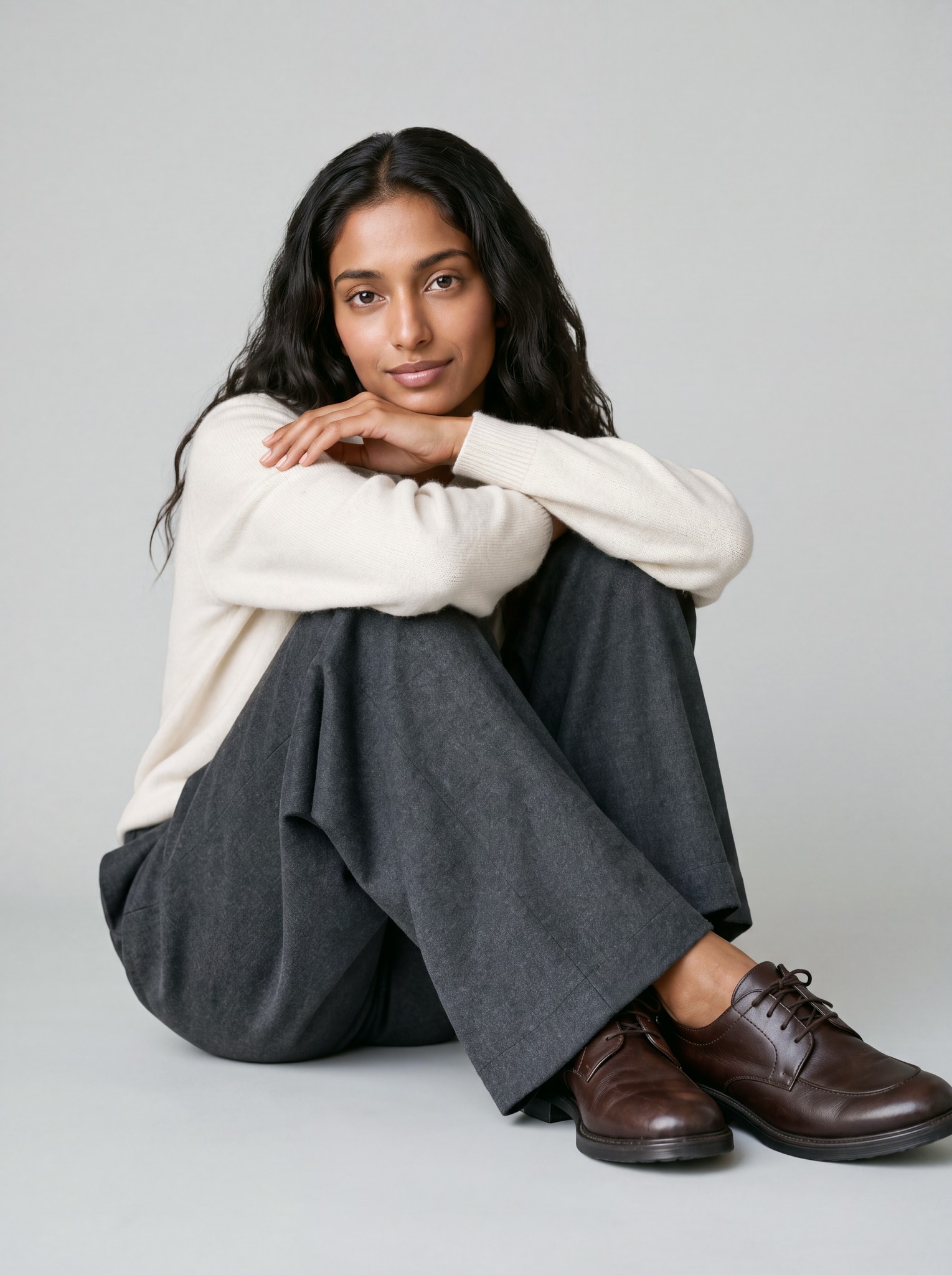
Most AI faces are a little too smooth and a little too perfect. That's exactly what gives them away. Generama's models keep the details that make a face real: skin texture, freckles, natural expressions.
One Model Across Your Whole Catalog
Meet Elena. She can wear your whole collection, so your product pages look like one shoot, not a patchwork of different faces. When shoppers move from one product to the next, they see one brand.
The Garment Stays True to the Product
The model catches the eye. The garment makes the sale.
Shoppers check the details: the print, the buttons, the fabric, where the hem falls. That's where we put our focus. We keep every garment as close to the original as we can.
You Decide the Styling and the Length
You can prompt an AI for "calf-length". But what if you need something in between? Is there even a word for it?
In Generama, you don't need one. You click on the body where the garment should end, anywhere from the upper thigh to the floor. The same dress can go maxi, midi or mini, and the same pants can be full length or cropped. Tuck a shirt in, roll up the sleeves, open a jacket. Styling and length control don't cost any extra credits.
Photos and Videos From the Same Image
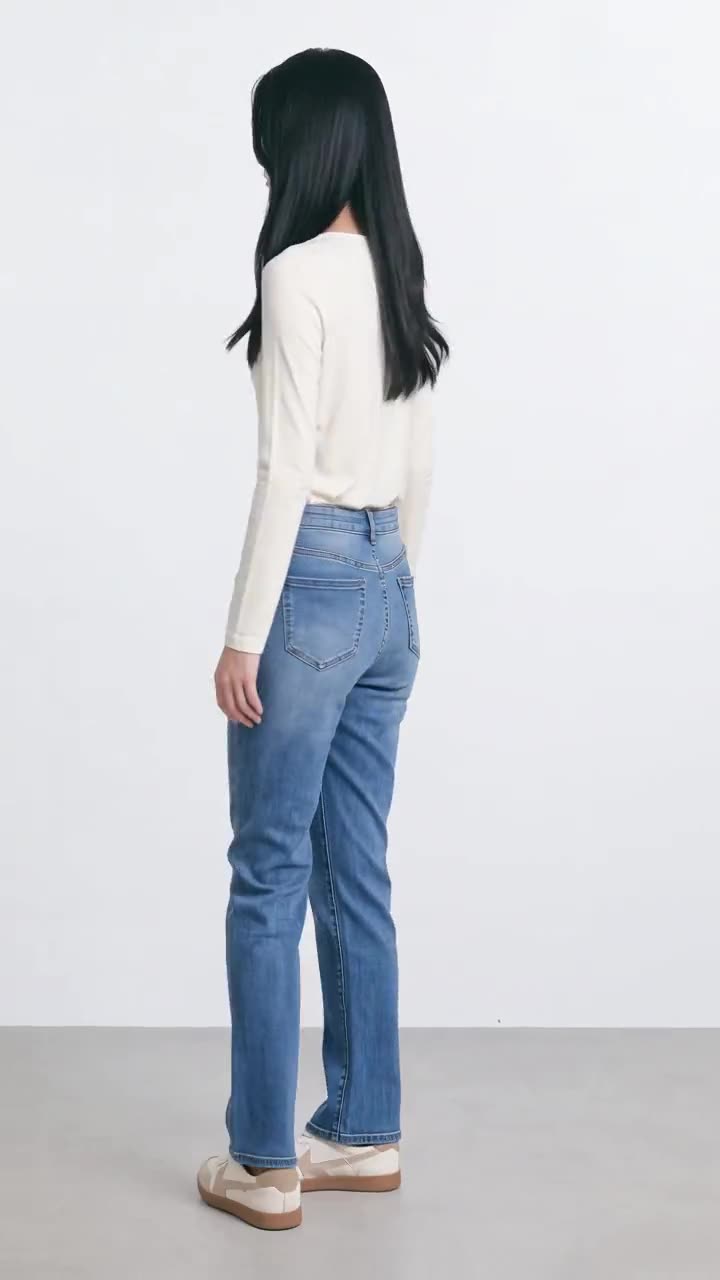
Once you like a photo, animate it into a 6-second video for your product page, Reels or ads. Same model, same garment, now in motion. Videos come in 720p on every plan, or 1080p on Advanced. More on the AI fashion video generator.
How it compares to prompting a general AI tool
| General AI tool (ChatGPT, Gemini) | Generama | |
|---|---|---|
| Starting point | A text prompt | Your own product photo |
| Garment length | Describe it in words and hope it's followed | Click on the body where it should end |
| Same model across looks | Regenerate until the face looks close | Pick a model, like Elena |
| Styling (tuck, sleeves, open front) | Write it into the prompt | Set it with controls |
| Video | A new prompt, and the result may not match your photo | Animate the same photo |
What You Can Create With Generama
- On-model photos from flat lays and packshots
- On-model photos from mannequin and ghost mannequin shots
- On-model photos from street shots
- Editorial images
- The same look in different lengths and styling
- Custom models, made from two photos
- Scenes made from a short description
- 6-second fashion videos in 720p or 1080p
For bigger catalogs, the Advanced plan adds batch processing and workflow automation, and Enterprise comes with API access. See pricing for the details.
When Generama Is the Right Fit (and When It Isn't)
Generama works best when you need a steady flow of product imagery: product pages, catalog updates, marketplace listings, ads and social posts.
It's less of a fit when a campaign is built around one specific real person, like a celebrity or a brand ambassador. If the face is the point, that person still belongs in front of a camera.
What it costs
Generama is priced per image, in credits. A 2K on-model image costs 1 credit and a 4K image costs 2 credits. A six-second clip costs 3 credits at 720p and 5 credits at 1080p. Plans start at $35 a month, and the pricing page lists every pack.
Built for full collections
Upload a whole collection at once and make every choice once: the model, the views, the styling. Generama processes, checks and delivers the images. For larger catalogs, the Generama QA team can check every image, and the API connects Generama to your own systems.
Frequently Asked Questions
Can I use the images commercially?
Yes. You own the images and videos Generama makes for you. You can use them on product pages, in campaigns, on social, in print and in ads, with no extra license fee and no need to credit us. More on pricing
Can I try Generama for free?
Yes. Every new account gets 5 free credits, with no card needed. That's enough for five 2K images, or one image plus a 6-second video.
What size are the images and videos?
Images come in 2K (1792 × 2400 px) or 4K (3584 × 4800 px). Videos are 6 seconds long, in 720p or 1080p.