What Is a Product Detail Page (PDP)?
A product detail page (PDP) is the page in an online store dedicated to one product. It shows the product's photos, price, sizes, and description, and a way to buy it, usually an Add to cart button. In e-commerce, PDP is the common short name for it.
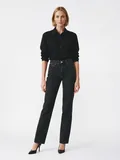


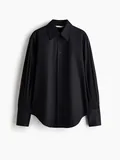
A product detail page example for a fashion store.
What's on a Product Detail Page
Most e-commerce product detail pages have the same parts:
- Product photos: several angles and close-ups, often with on-model photos and a short video.
- Name and price
- Size and color options, usually with a size guide.
- Add to cart button
- Description: fabric, fit, and care instructions.
- Shipping and returns: delivery times and the return policy.
- Reviews from other customers.
Why It Matters for Fashion E-commerce
Product Detail Page Best Practices for Fashion
Good product detail page design starts with the photos. These six practices help optimize a fashion PDP:
- Show the garment on a model. It's the clearest way to show fit and how a piece is worn. Add the model's height and the size they wear.
- Use several angles. Front, back, side, and close-ups of the fabric and details.
- Add a short video. A few seconds of movement shows how the fabric falls.
- Keep photos consistent. Use the same background, light, and crop across products, as in catalog photography, so the store looks clean.
- Write a clear description. Fabric, fit, and care, in short lines that are easy to scan.
- Check it on mobile. Many shoppers browse on their phones, so photos and buttons need to work on a small screen.
With Generama
Create On-Model Photos for Every Product Page
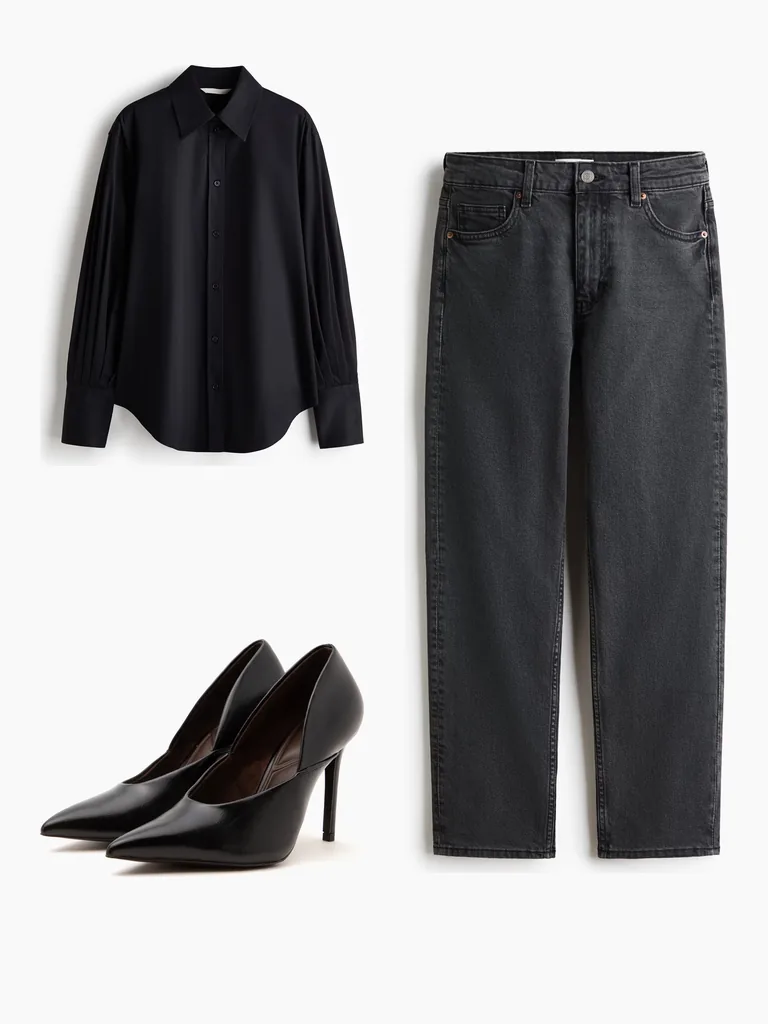
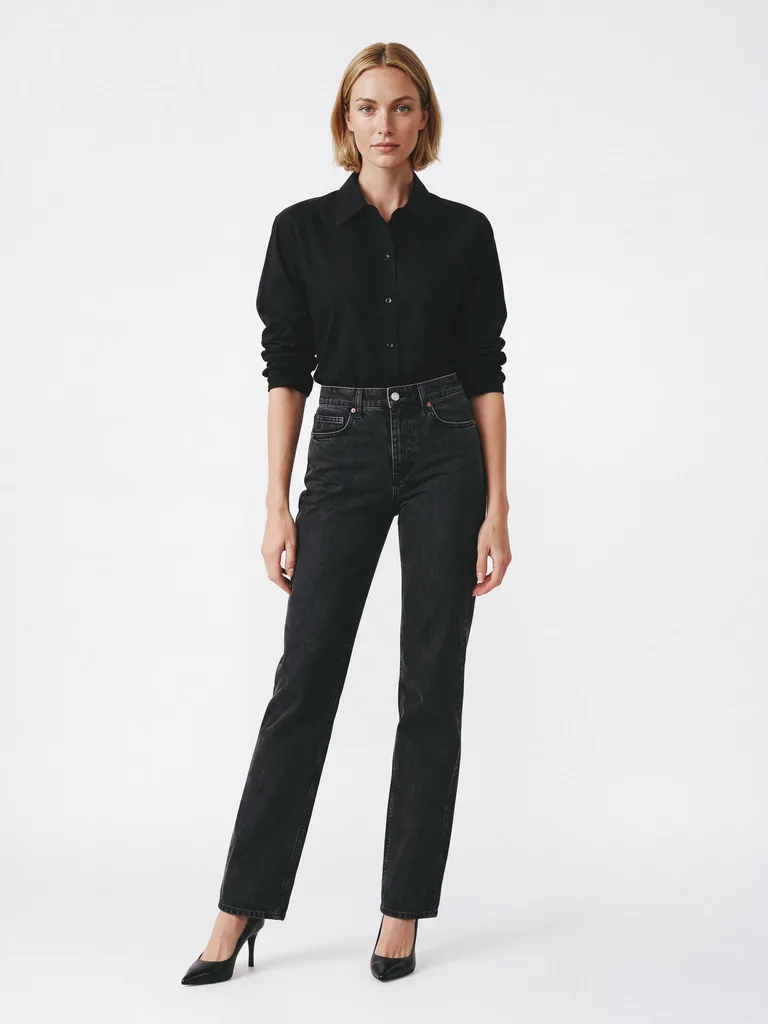
Generama turns your flat lays into on-model photos, so your product detail pages can show how each garment looks when worn. You can also turn those photos into short videos.
Related terms
Frequently Asked Questions
What does PDP stand for in e-commerce?
Product detail page: the page for a single product in an online store.
What's the difference between a PDP and a PLP?
A product listing page (PLP) shows many products in a grid, like a category page. When a shopper clicks a product, it opens the product detail page (PDP) with everything about that one item.