AI Garment Styling and Length Control for Fashion E-commerce
You know how your garments should be worn. Generama puts them on the model exactly that way. Set the hemline, roll up the pants, open the front, and see each change in the preview.
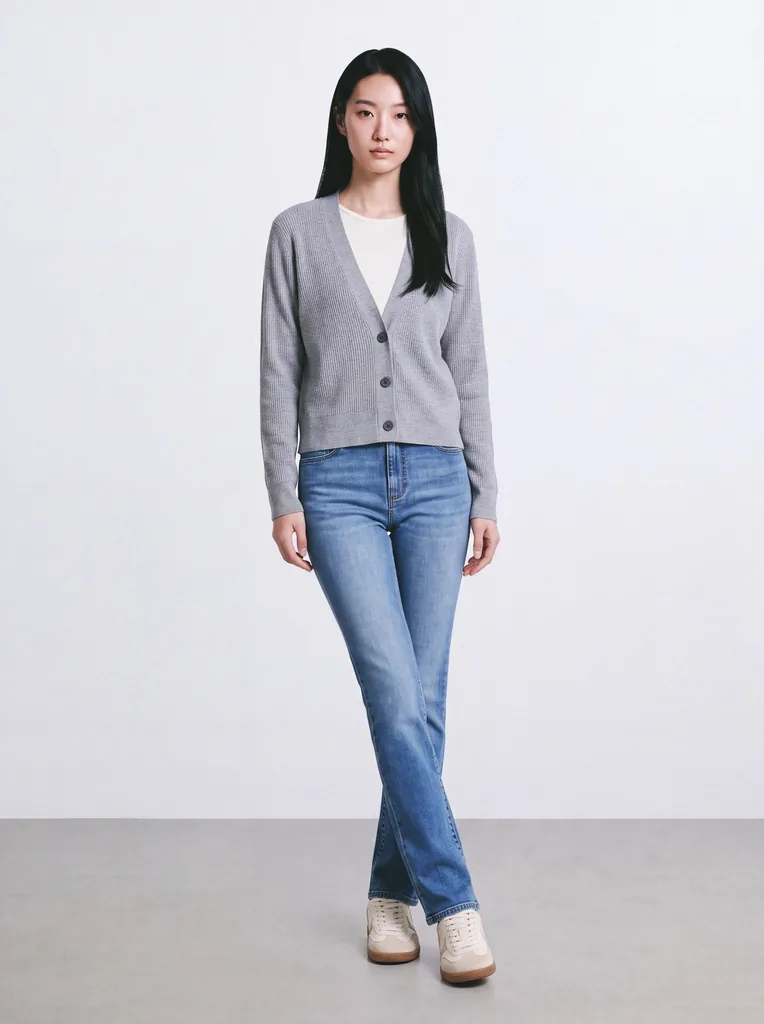
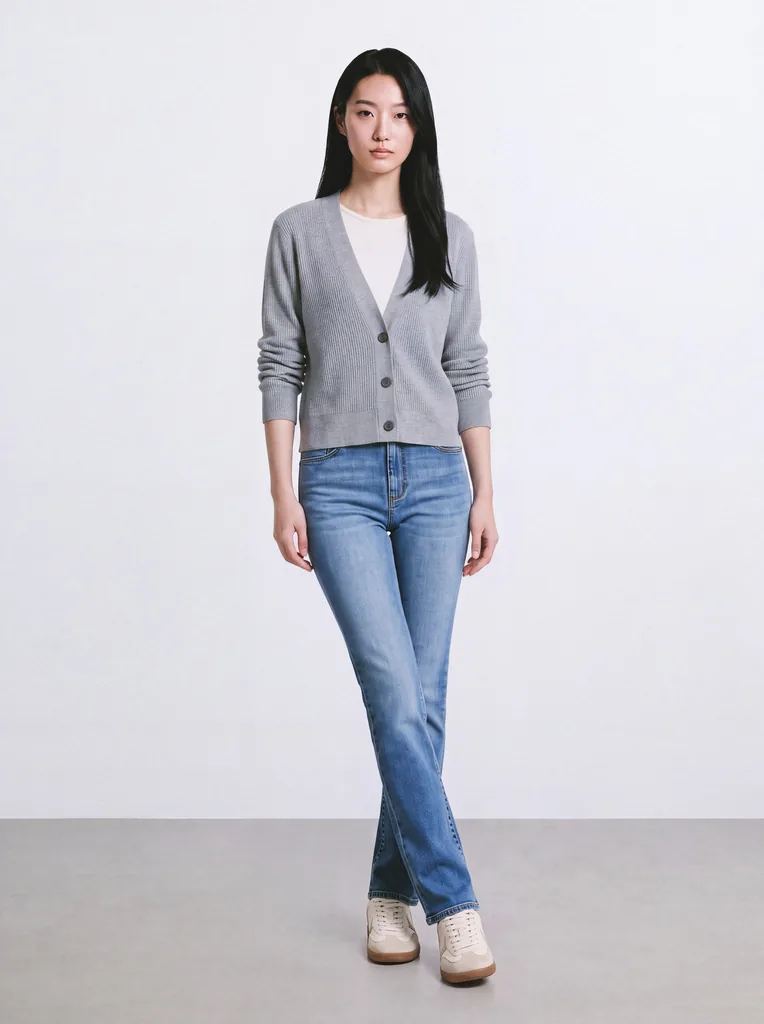
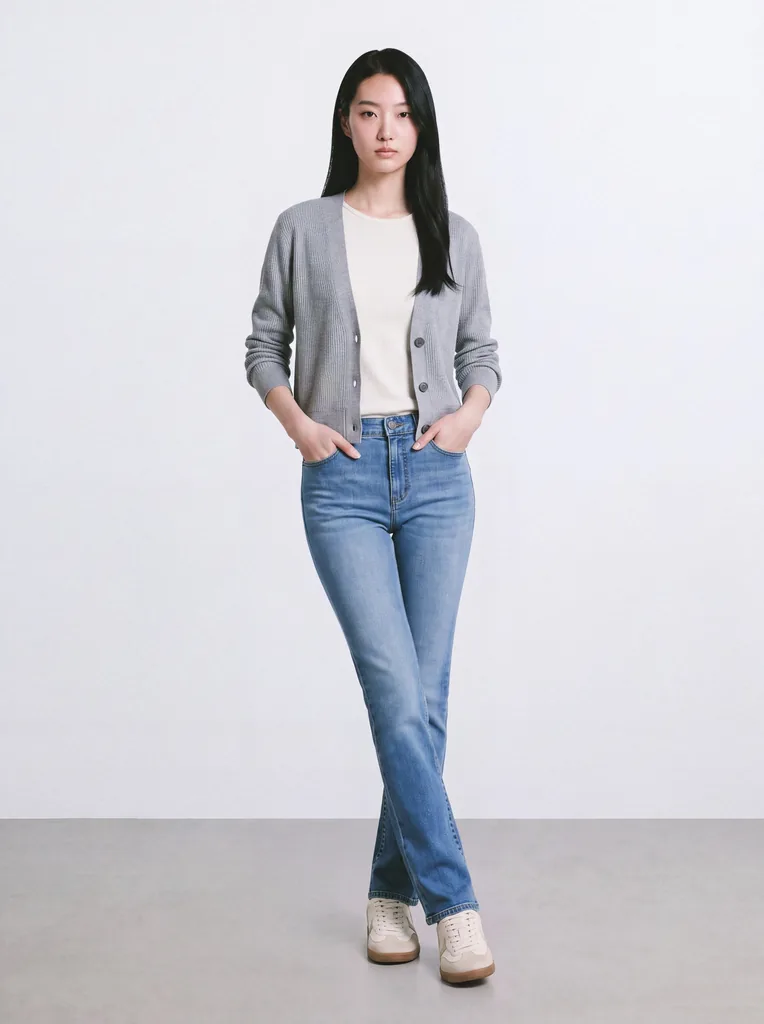
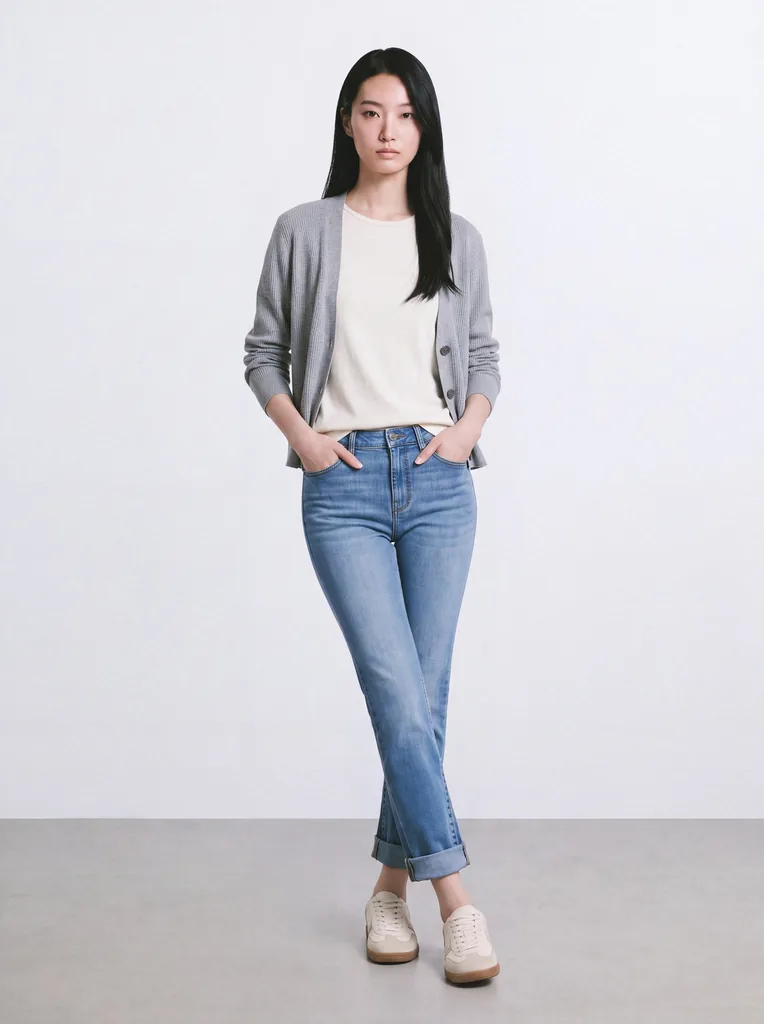
Your Product, Worn Your Way
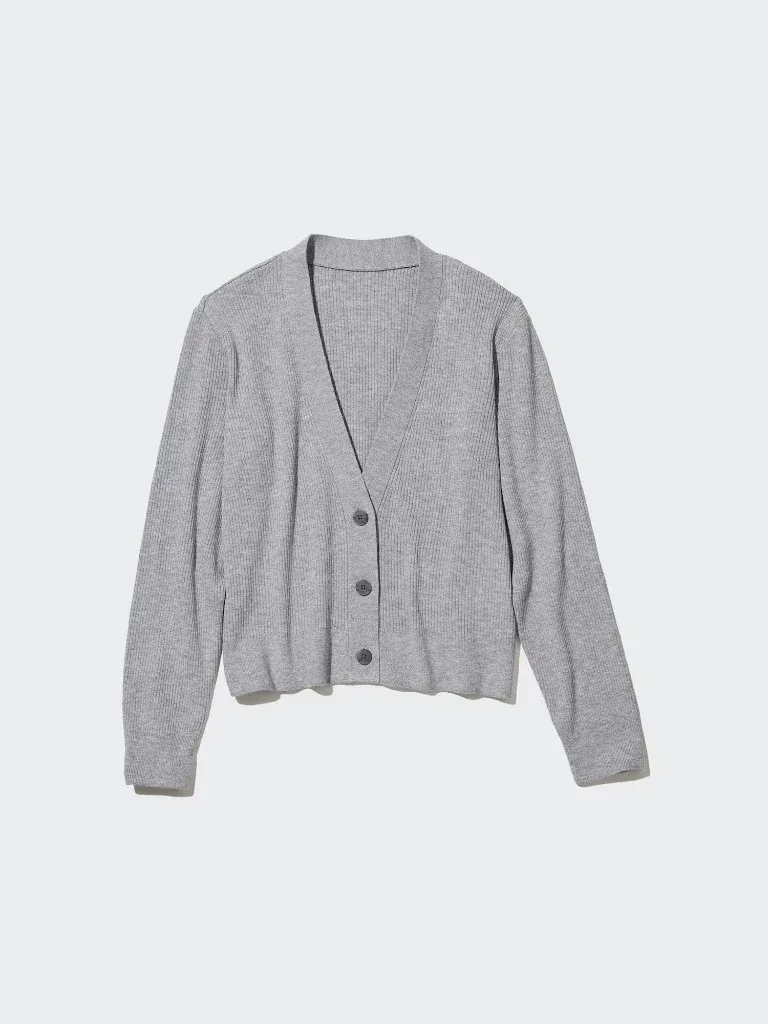
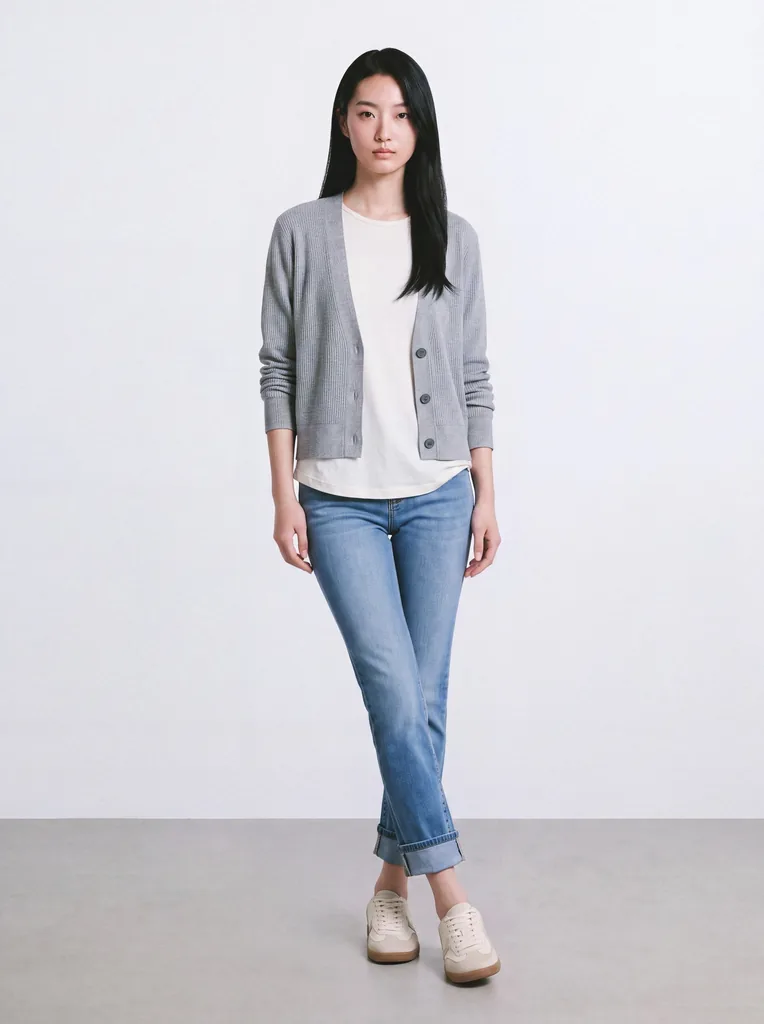
AI tools often guess how a garment should be worn. Pants come out shorter than the real ones. A loose shirt gets tucked in. An open cardigan ends up buttoned. The photo no longer shows the real product.
With Generama, you decide.
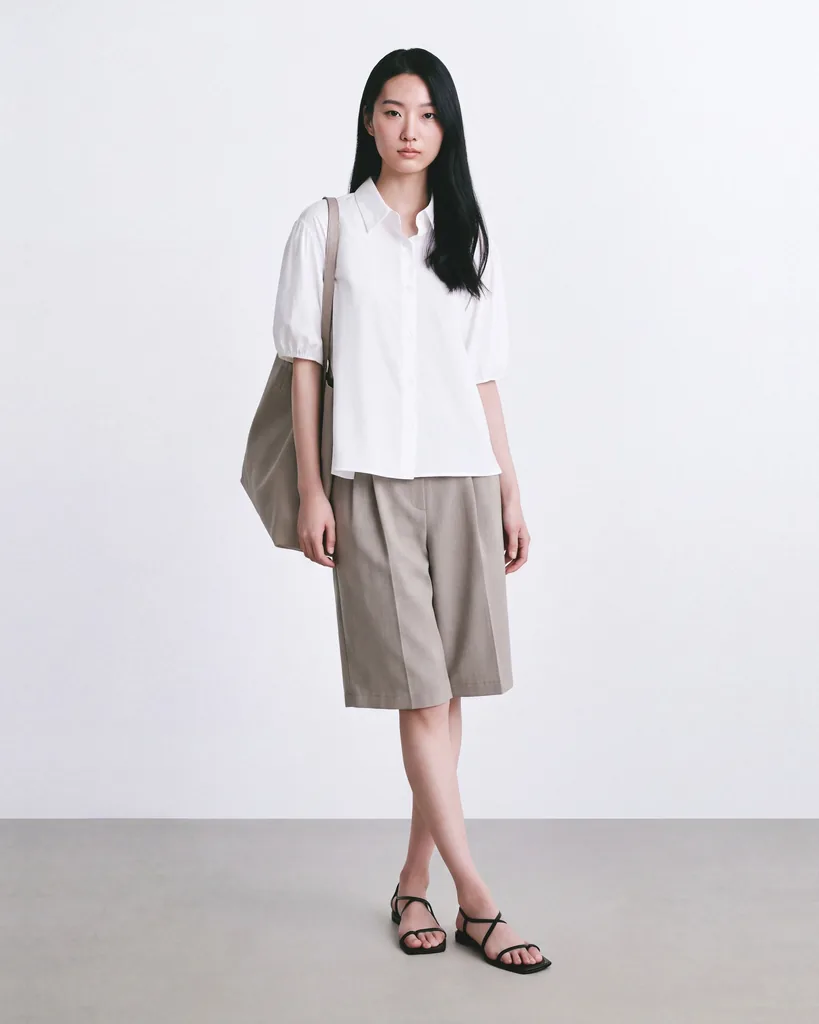
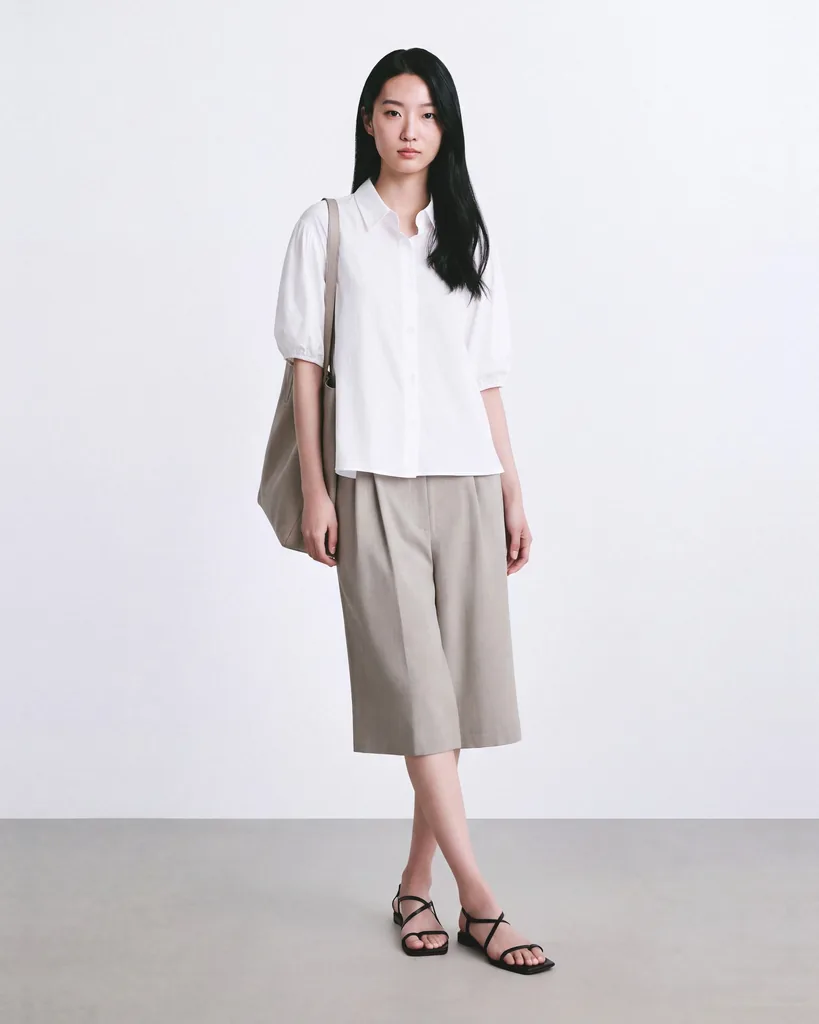
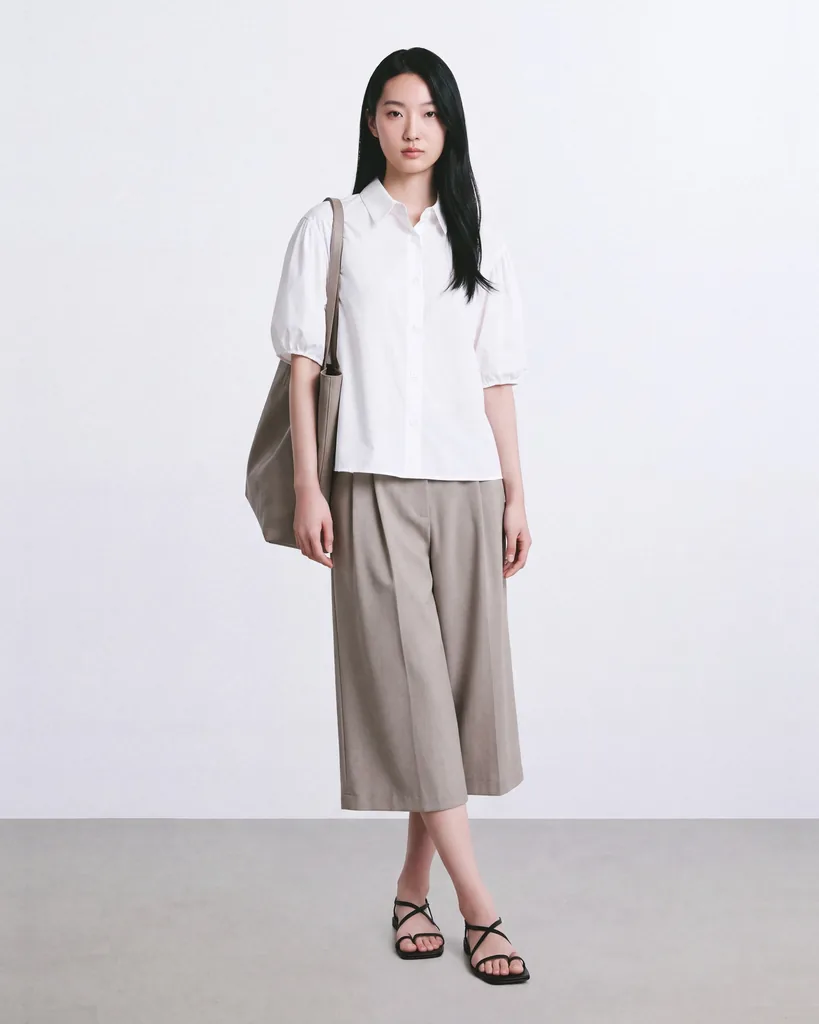
Garment Length Control: Put the Hemline Where It Belongs
Make pants and shorts longer or shorter while you build the look. The preview updates as you go, so you stop when the hemline matches the real garment.
Garment Styling Control: Choose How It's Worn
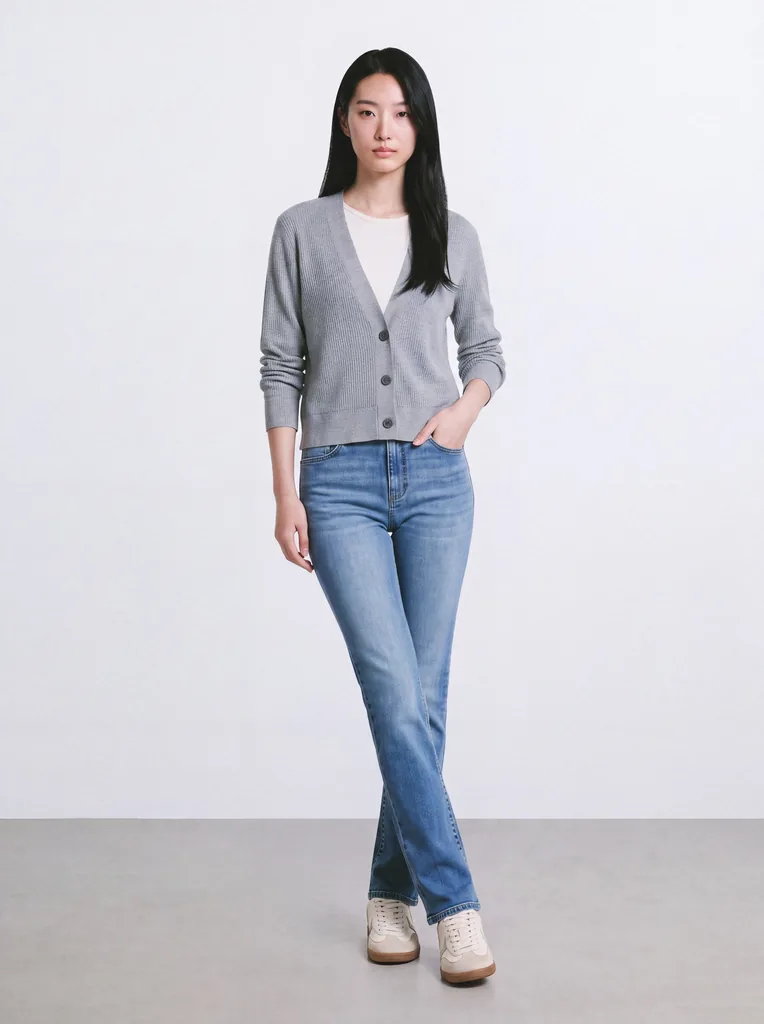
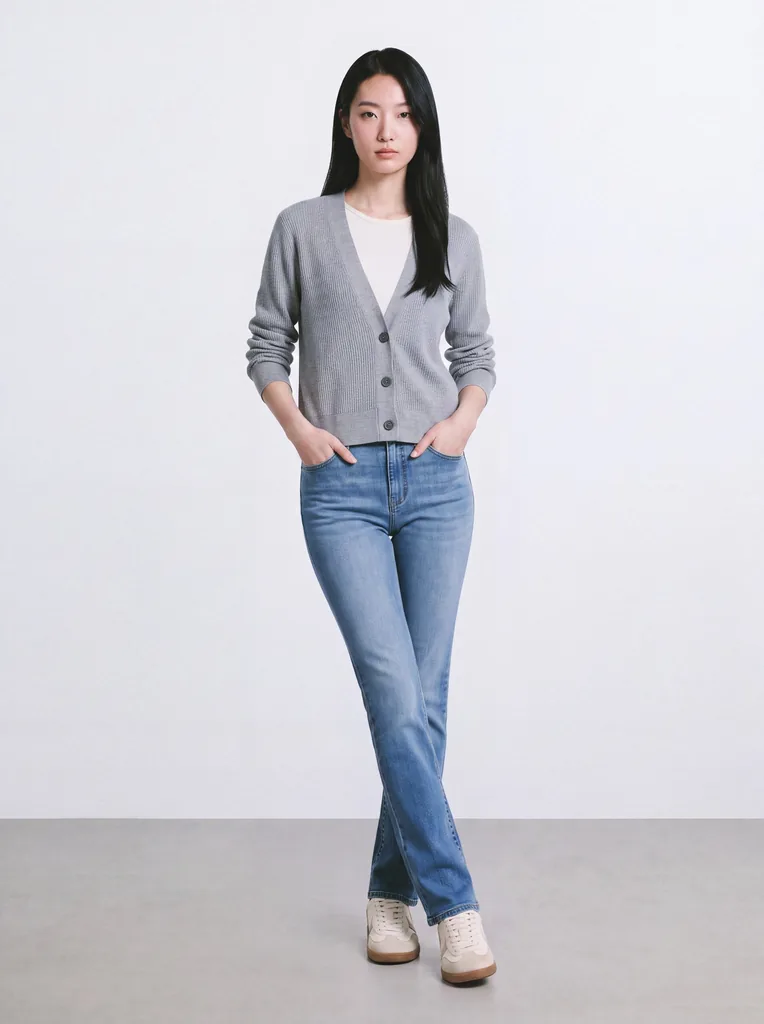
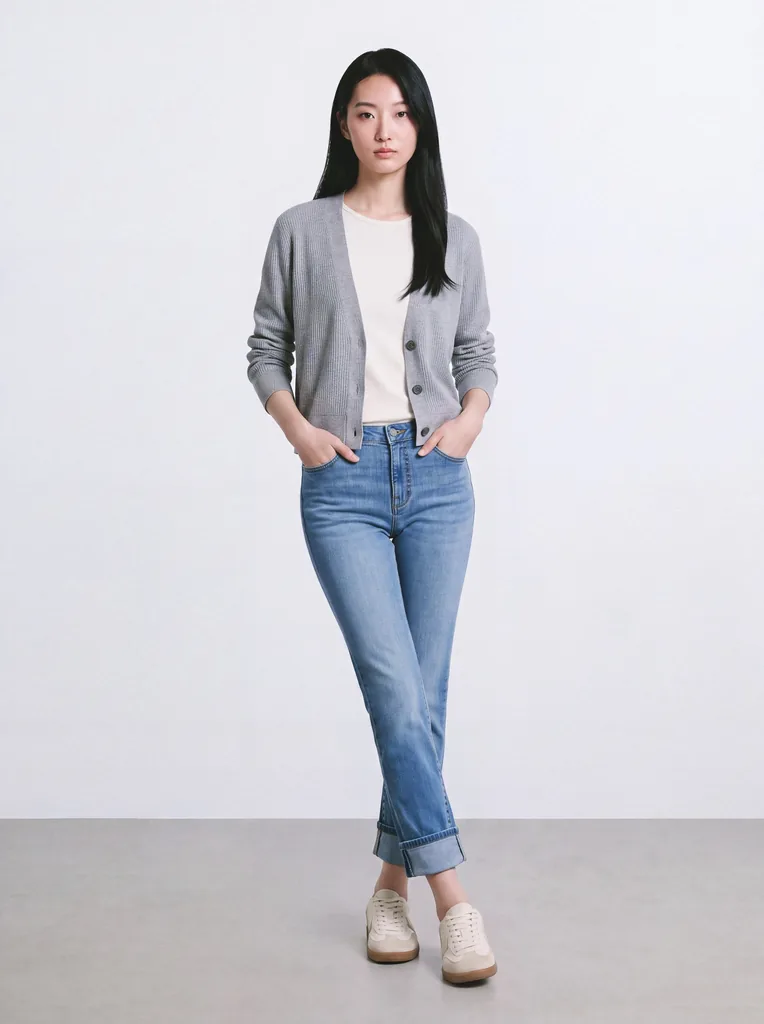
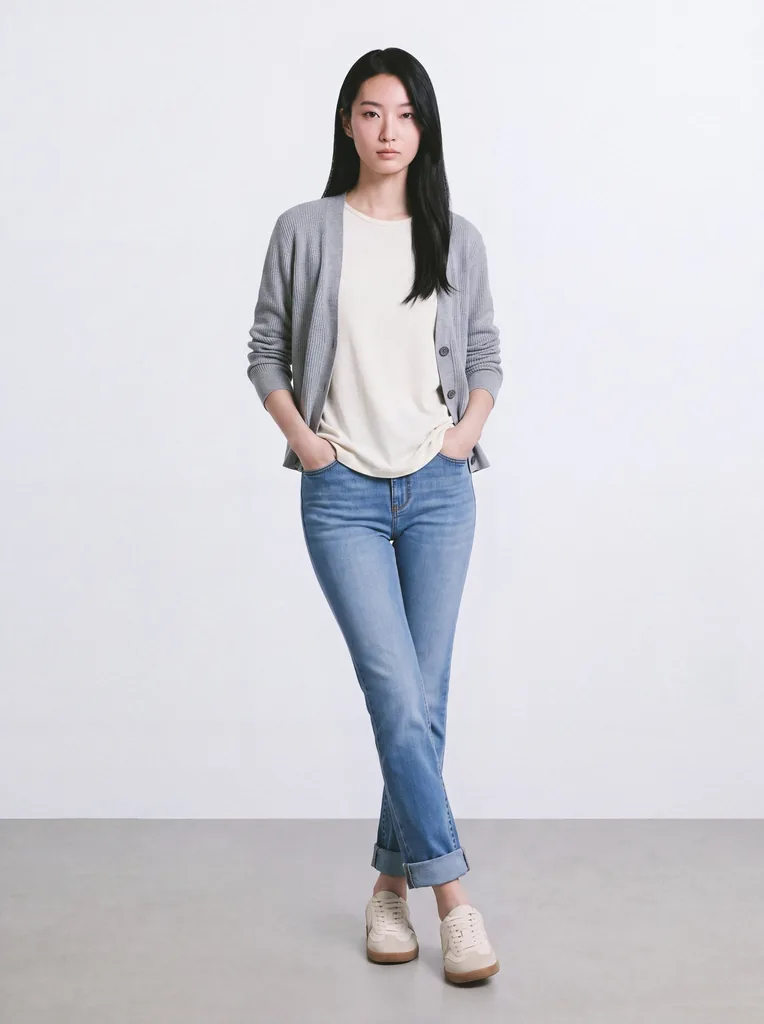
Start with the Base look, then change how the outfit is worn. Push the sleeves up or roll up the pants. Half-tuck the top or untuck it. Open the front fully. Put one or both hands in the pockets, or take them out. You see each change in the preview. Not sure? Keep the Base look.
How It Works
Upload your flat lays or packshots.
Build your look and pick a model, pose, and view.
Set the length and styling, or leave them on Base.
Generate, check, and export.
Everything a Stylist Does on Set
On a studio shoot, a stylist adjusts every look: tucks the shirt, pushes up the sleeves, sets the hem. Then the photographer shoots it again. Generama brings those styling decisions to the screen. Adjust the garment, see the result, and create the next version. No on-set restyling. No reshoot.
Show Your Garments the Way You Sell Them
Start with 5 free credits. Upload your own product, set the length and styling, and see it on a model.
More from Generama
- AI Fashion Model Generator: turn your flat lays into on-model photos.
- AI Fashion Video: turn your on-model looks into short fashion videos.
Frequently Asked Questions
What is garment styling and length control?
Garment styling and length control is a Generama feature that lets fashion brands set a garment's length and how it's worn (sleeves pushed up, half tucked, front open) when creating on-model photos.
What styling can I change?
You can push up sleeves, roll up pants, half-tuck or untuck the top, open the front, and put one or both hands in the pockets. The Base option keeps the garment styled as it appears in your packshot.
Do I set the styling before or after generating?
Both. You can set it while you build the look, or change it later and generate a new version. Earlier images stay saved.
Can I use the same styling in campaign images?
Yes. Your styling carries over to editorial scenes, so product pages and campaigns match.